












Count the Tabs
Software sprawl in a small or medium business does not arrive as a decision. It arrives one sensible purchase at a time.
The answering service was added because calls were being missed after five. The texting tool was added because a customer asked to be texted. The conferencing subscription was added during a period when nobody could meet in person. The CRM was added when the spreadsheet finally broke. Each of those was the right call at the time, made by a reasonable person solving a real problem. Nobody ever sat down and designed the result.
Nobody chose to run nine tools. Nine tools is what happens when you solve nine problems well, one at a time, over six years.
Why this is not a competence problem
Which is why the fix is not a lecture about discipline. It is an audit, done once, with the tools listed as jobs rather than as brand names, because the moment you write down the job instead of the product, the duplication becomes visible in a way it never is on a bank statement.
The Cost Nobody Invoices You For
The subscription fees are the visible cost and usually the smaller one. Four costs sit underneath, and none of them appears anywhere in your accounts.
The switching cost
Every move between applications carries a small tax in attention. Individually trivial, repeated forty times a day per person, and never measured. It is the reason a five-minute job routinely takes twelve.
The re-keying cost
The same customer name, number and problem typed into three systems. Every re-entry is an opportunity to introduce a typo that somebody will chase down in a fortnight.
The reconciliation cost
Two systems reporting different numbers about the same week, and an hour spent working out which one is right. Usually neither, because the definitions differ.
The onboarding cost
Nine logins, nine training conversations, nine things that break when someone leaves. New staff take a fortnight longer to be useful and nobody ever attributes it to the stack.
And one more that is genuinely dangerous
Nobody can answer basic questions about your own customer contact. How many enquiries did we get last month, how many did we answer, how many turned into jobs? In a fragmented stack that data exists in four places with four definitions, so the honest answer is a guess dressed up as a number, and decisions get made on it.
One Enquiry, Nine Tools
Concretely, then. A new customer rings a small Australian services business at ten past four on a Thursday.
- The call arrives. Two people are already on the phone, so it rings out to voicemail. Tool one.
- Voicemail is checked at 5:40. The name is half audible. Someone writes it on a pad. Tool two, if a pad counts, and functionally it does.
- Callback the next morning. No answer, the customer is at work. Phone tag begins.
- A text is sent from the office mobile, because that is the only thing that can send one. Tool three, and now the conversation lives on a device that goes home in someone's pocket.
- They reply and it gets discussed. Details are typed into a notes document so they are not lost. Tool four.
- The customer is added to the CRM. Same details, typed a second time. Tool five.
- A time is offered after someone opens the shared calendar in another window to check. Tool six.
- A confirmation goes out from the bulk SMS tool, because the office mobile does not do templates. Tool seven, third time the details are typed.
- A video call is booked for the scoping conversation, using the conferencing subscription. Tool eight.
- A follow-up is set in the task app, or on a sticky note. Tool nine.
Total elapsed time: about nineteen hours from first ring to confirmed booking, of which maybe eleven minutes was work. Details typed three times. The conversation history split across a voicemail box, a personal mobile, a notes file and a CRM. And if the person who handled it is away next week, nobody else can reconstruct what was agreed.
The Same Enquiry, One Platform
The same call, same business, same Thursday afternoon, on a platform where those functions live together.
- The call is answered on the first ring by an AI phone agent with an Australian accent, because the two busy staff do not constrain how many calls can be answered at once.
- It has a conversation. What the customer needs, where they are, when suits. The routine questions (hours, service area, rough pricing) are answered outright.
- It offers a time from the live diary, respecting duration and buffer rules, and books it.
- The confirmation SMS goes out immediately from the business number, and the customer can reply to it.
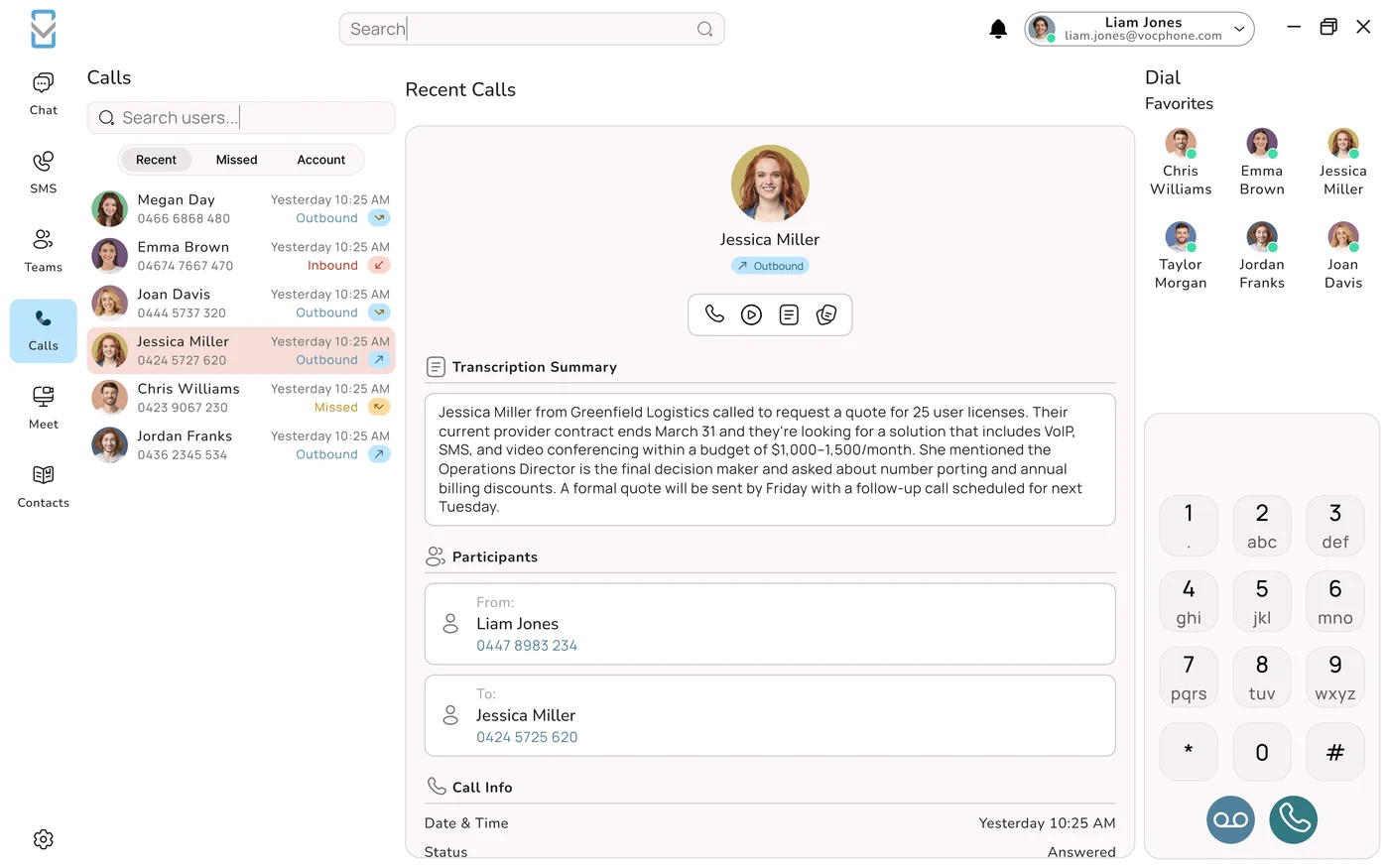
- The record writes itself. Call, transcript, summary and booking attached to the customer, visible to everyone, including whoever is covering next week.
- A task appears for the one thing that needs a human: a question the agent could not answer, escalated with the transcript attached.
The difference is not speed, it is what happened at 4:10pm
Elapsed time from ring to confirmed booking: about ninety seconds, on Thursday afternoon rather than Friday. Details typed: zero. But the real change is that the version-one customer had eighteen hours in which to ring your competitor, and a good number of them do exactly that.
What the Platform Actually Covers
Here is the honest inventory, stated as capabilities rather than as marketing. Every row is something that is otherwise commonly bought separately.
| The job | What it looks like on the platform | What it commonly replaces |
|---|---|---|
| Answering | AI phone agents with natural Australian voices, answering around the clock, booking, qualifying, routing, and handing to a human the moment anyone asks | An after-hours answering service billed per call, or voicemail plus hope |
| Routing and queues | Smart queues with seven ring strategies, a visual menu builder, time conditions for after hours and public holidays, call parking, forwarding and follow-me, presence, do not disturb | A separate contact centre licence, or nothing at all and a lot of shouting across the office |
| The customer record | Call history, recordings, transcripts and summaries written automatically against the customer, pushed into your CRM, with click-to-call back the other way | The notes document, the pad by the phone, and a CRM nobody updates |
| Follow-ups | Missed-call text-backs within seconds, voicemail to email, tasks created from call outcomes, callback lists from abandoned queue calls | Sticky notes, and a task app half the team has stopped opening |
| Bookings | Reading live availability, respecting your rules, writing into the calendar the team already uses, confirming by SMS immediately | Phone tag, a booking widget, or a receptionist doing data entry |
| Meetings | Untimed HD video rooms for up to 30, one-on-one video, password-protected audio bridges, one-click screen sharing, browser joining with no download | A standalone conferencing subscription, usually a paid tier bought to escape a timer |
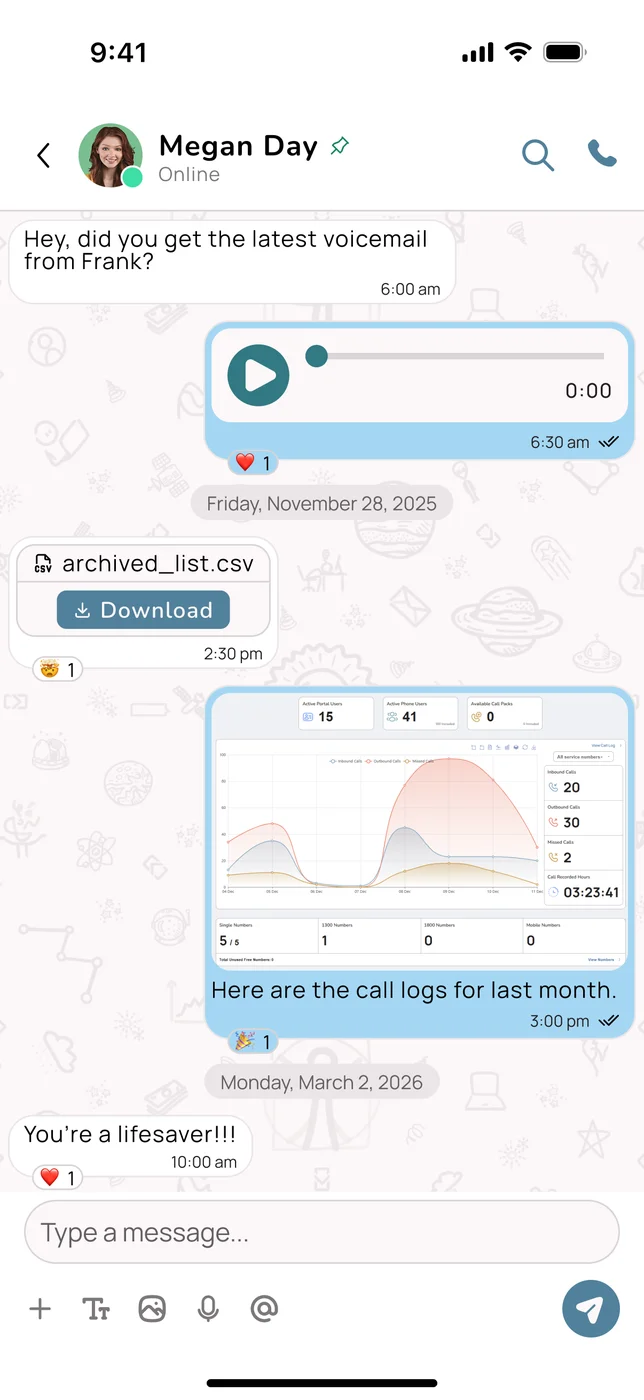
| Messaging | Two-way business SMS from the business number, threaded against the customer and visible to the team, in the same queue as the calls | The office mobile in somebody's pocket, plus a separate bulk SMS tool |
| Reporting | One dataset covering all of the above: volumes, answer rates, speed of answer, abandonment by hour, outcomes, bookings by source | Four dashboards that disagree, and a spreadsheet reconciling them |
Why these eight and not others
Every one of them runs on the same three facts: who contacted us, what about, and what happens next. Those facts are created on the call, which is why the consolidation happened at the phone rather than anywhere else. It also predicts exactly which jobs did not move, and that prediction turns out to be accurate.
What It Should Leave Alone
Four categories, and it matters that a provider is willing to name them, because the alternative is a platform that quietly does everything at seventy per cent.
| Leave it where it is | Why | What the platform should do instead |
|---|---|---|
| Deal pipeline and forecasting | A pipeline models stage, probability and value over time. That is a different object from a history of conversations, no matter how similar they look on a dashboard | Feed it. Calls, transcripts, outcomes and follow-ups into the CRM so the pipeline rests on activity rather than optimism |
| Quoting, invoicing, payments | Tax treatment, payment terms, reconciliation and an audit trail belong in accounting software and are not worth reinventing | Integrate. Click-to-call from the invoice, call context on the customer, no re-keying between the two |
| Marketing automation | Segmentation, campaign design, attribution and sequencing is a whole discipline with its own tooling and its own specialists | Supply the channel and the data (SMS delivery, call outcomes, source tracking) not the campaign builder |
| Project management | Dependencies, resourcing and sprint boards are not follow-ups with a due date, however alike they appear from a distance | Create tasks into the tool the team already uses, then stop |
The test to apply, not the feature list
Would the person who uses that function every day choose the platform's version over what they have now? Not the person evaluating the platform: the person who lives in the tool. If the answer is no, integrate rather than consolidate. A well-integrated stack beats a badly consolidated one, comfortably and permanently.
The Order to Consolidate In
Consolidation done all at once produces a mutiny in week two. Done in order, over a quarter, it sticks. This is the order, and it is ranked by return rather than by ease.
- Answering, first and always. Every unanswered call is a customer who wanted to spend money and could not reach you. Nothing else on this list competes with that, and the effect is visible within a fortnight.
- Messaging, second. Get texting off the office mobile and onto the business number where the team can see it. This is a one-afternoon change with an outsized effect on both response times and continuity when someone is away.
- Meetings, third. The easiest cancellation on the list. Check what the conferencing subscription costs, check who actually hosts rather than attends, and switch the hosts over. Usually the fastest saving you will find.
- The record, fourth. Connect calls, transcripts and outcomes to the CRM. This is the one with the longest payback and the largest compounding value, which is why it belongs after three quicker wins have bought you goodwill.
- Bookings, fifth. Highest value for appointment-driven businesses and worth very little for everyone else, which is why it is placed here rather than higher. Skip it if it does not apply to you.
- Reporting, last. Not because it does not matter, but because it becomes genuinely useful only once the events it is reporting on are actually flowing through one system.
The Consolidation Trap
Everything above argues for fewer tools. It would be dishonest not to describe how that argument goes wrong, because it goes wrong in a specific and recognisable way.
Replacing four good tools with one mediocre one is a downgrade. It just arrives wearing the language of simplification, and it usually arrives with a saving attached, which makes it harder to argue with.
The failure mode, stated plainly
Three warning signs that a consolidation is heading that way:
| Warning sign | What it actually indicates |
|---|---|
| The saving is the first thing mentioned, and the loudest | Nobody has costed the productivity of the people who use the tool daily. That cost is larger than the licence in almost every case |
| The demo covers breadth rather than the one thing you do most | Breadth is easy to demonstrate and depth is not. Ask to see your actual workflow, done end to end, by someone unfamiliar with it |
| Nobody has spoken to the daily user | The person evaluating and the person living in the tool are different people, and only one of them will still be using it in March |
The version of this argument we will actually make
Consolidate the eight jobs listed above, because they belong together and because their data is created in the same place. Integrate everything else, and keep the tools your team is good at. If a specialist tool is genuinely better at its job than our version, keep it and connect it: that is what open APIs are for, and it produces a better business than a tidier login page does.
The Two-Hour Stack Audit
Do this before you talk to any vendor, including us. Two hours, one spreadsheet, and you will never look at the software line the same way again.
- Twelve months of card statements. Every recurring software charge, highlighted. Expect two or three nobody remembers approving and at least one still billing for someone who left.
- Write the job, not the product. Next to each line: “sends appointment texts”, “hosts video calls”, “answers after hours”. Duplication is invisible in brand names and obvious in job descriptions.
- Multiply properly. Per-seat price, times seats, times twelve. Monthly pricing exists partly because the annual number is uncomfortable, so calculate the uncomfortable one.
- Count logins per interaction. Shadow one enquiry end to end and count the applications. That number is the case for change, more than any dollar figure.
- Mark each line: consolidate, integrate, or keep. Use the four exclusions above as your test. Be honest about which specialist tools are genuinely better.
- Cancel exactly one thing this month. The clearest duplicate. Prove the change works before touching anything anyone is attached to.
What It Is Honestly Worth
Two kinds of value come out of this, and they are worth separating because only one of them is easy to put on a slide.
| Type | How to measure it | How reliable the estimate is |
|---|---|---|
| Cancelled subscriptions | Straight arithmetic. Add up the duplicates you switch off, annualised | Completely reliable. It is the smaller of the two numbers and the only one anyone will believe without argument |
| Calls that now get answered | Compare missed calls before and after, then apply your own average job value and conversion rate | Directionally reliable if you use your own figures. Treat any vendor-supplied conversion assumption with suspicion, including ours |
| Time not spent switching and re-keying | Hardest to measure honestly, and usually the largest | Real but not provable. Claim it in a conversation, do not put it in a business case as though it were a number |
One number worth being careful about
Providers love a productivity figure, hours saved per employee per week, and those figures are almost never traceable to a study. Build your case on the two things you can verify: subscriptions you actually cancelled, and calls that are now answered which previously were not. If those two do not justify the change on their own, the softer benefits should not be asked to carry it.
The short version
Count the tools one enquiry touches. Consolidate the eight jobs that all run on the same three facts, integrate the four that do not, and cancel one duplicate this month rather than nine next month. The switching cost is the largest number in this article and the only one nobody will ever send you an invoice for.
Related: the cost of a fragmented stack for the money worked through, what UCaaS actually means for the category, and integrations and APIs for where connecting beats consolidating.
Frequently Asked Questions
How many software tools does a typical business use to handle one customer enquiry?
Between four and nine in most Australian small and medium businesses, and the way to find out is to stand behind whoever handles enquiries and count the applications they touch on a single one, from first ring to booked job. A realistic list looks like this: the phone or app, the voicemail box, the notepad or notes document where details get written, the CRM, the shared calendar, the office mobile that sends texts, a separate bulk SMS tool for templated confirmations, the video conferencing subscription, and a task app or sticky note for the follow-up. Nobody chose that. It accumulated one sensible purchase at a time over several years, each solving a real problem: the answering service because calls were missed after five, the texting tool because a customer asked to be texted, the conferencing subscription during a period when nobody could meet in person. The cost that matters is not the subscription total but the four hidden ones underneath it: switching attention between applications, re-keying the same details three times, reconciling systems that report different numbers, and onboarding new staff into nine logins. None of those appear on an invoice, which is exactly why none of them is ever managed.
What does an all-in-one cloud phone platform actually include?
Eight capabilities that are otherwise commonly bought separately. Answering, through AI phone agents with natural Australian voices that work around the clock, answer routine questions, qualify, book and hand to a human the instant anyone asks. Routing, with smart queues offering several ring strategies, a visual menu builder, time conditions for after hours and public holidays, call parking, forwarding, follow-me, presence and do not disturb. The customer record, with call history, recordings, transcripts and summaries written automatically and pushed into your CRM, plus click-to-call back the other way. Follow-ups, including missed-call text-backs within seconds, voicemail to email, tasks from call outcomes and callback lists from abandoned queue calls. Bookings, reading live availability, respecting your rules and writing into the calendar your team already uses. Meetings, with untimed HD video rooms for up to 30 people, one-on-one video, password-protected audio bridges and one-click browser joining with no download. Messaging, through two-way business SMS from the business number, threaded against the customer and visible to the team. And reporting across all of it from a single dataset rather than four dashboards that disagree with each other.
Should a phone platform replace my CRM, accounting or project management software?
No, and a provider that says otherwise is offering you a worse version of software you already have. Four categories should stay exactly where they are, and they share one reason: they are not built on the three facts a voice platform is built on, which are who contacted us, what about, and what happens next. A deal pipeline models stage, probability and value over time, which is a genuinely different object from a history of conversations however alike they look on a dashboard, so the platform's job is to feed the CRM with calls, transcripts, outcomes and follow-ups rather than to replace it. Quoting, invoicing and payments involve tax treatment, terms, reconciliation and an audit trail, all of which belong in accounting software; the right integration is click-to-call from an invoice and call context on the customer. Marketing automation, meaning segmentation, campaign design, attribution and sequencing, is a discipline with its own tooling, and the platform should supply the channel and the data rather than the campaign builder. Project management with dependencies, resourcing and sprint boards is not a follow-up with a due date. The test is whether the daily user of a tool would choose the platform's version over what they have.
In what order should I consolidate my business software?
In order of return, one step at a time, over about a quarter, because consolidating everything at once reliably produces a rebellion in week two. Start with answering, always, because every unanswered call is a customer who wanted to spend money and could not reach you, and nothing else on the list competes with that; the effect is visible within a fortnight. Second, messaging: get texting off the office mobile and onto the business number where the whole team can see the thread, which is a one-afternoon change with an outsized effect on both response time and continuity when someone is away. Third, meetings, which is the easiest cancellation available: check what the conferencing subscription costs, check how many people genuinely host rather than merely attend, and move the hosts across. Fourth, the customer record: connect calls, transcripts and outcomes to your CRM, which has the longest payback and the largest compounding value, so it belongs after three quicker wins have bought some goodwill. Fifth, bookings, which are enormously valuable for appointment-driven businesses and close to worthless for everyone else. Reporting comes last, not because it is unimportant but because it only becomes useful once the events flow through one system.
What is the risk in consolidating onto one platform?
Replacing four good tools with one mediocre one, which is a genuine downgrade that arrives wearing the language of simplification and usually carries a saving attached, making it harder to argue against. Three warning signs indicate a consolidation heading that way. First, the saving is the first thing mentioned and the loudest, which means nobody has costed the productivity of the people who use the tool every day, and that cost exceeds the licence fee in almost every case. Second, the demonstration covers breadth rather than the one workflow you actually do most, because breadth is easy to show and depth is not; the fix is to insist on seeing your real workflow performed end to end by someone unfamiliar with it. Third, nobody has spoken to the daily user, since the person evaluating the platform and the person who will still be living in it in March are usually different people. The defensible position is to consolidate the functions that genuinely belong together because their data is created in the same place, and to integrate everything else, keeping specialist tools your team is good at and connecting them through open APIs.
How do I work out what consolidating is worth to my business?
Separate the value into three types, because only two of them belong in a business case. Cancelled subscriptions are straight arithmetic: add up the duplicates you actually switch off and annualise them. That number is completely reliable, it is the smaller of the meaningful two, and it is the only one nobody will argue with. Calls that now get answered is the bigger number: compare missed calls before and after, then apply your own average job value and your own conversion rate. That is directionally reliable provided the inputs are yours, and you should treat any vendor-supplied conversion assumption with suspicion, including ours. Time not spent switching applications and re-keying details is almost certainly the largest of the three and the hardest to measure honestly, so mention it in conversation but do not put it in a business case as though it were a measured figure. Providers love a productivity number, hours saved per employee per week, and those figures are very rarely traceable to any named study. Build the case on the two things you can verify, and if those two do not justify the change on their own, the softer benefits should not be asked to carry it.
Do I still need a separate video conferencing subscription?
Usually not, and this is the single most commonly duplicated line item on Australian business bank statements, which is why it is the fastest saving in a consolidation. Untimed HD video rooms for up to 30 participants, one-on-one video calls, password-protected audio conference bridges and one-click screen sharing are part of the platform, and guests join from a browser without installing anything. Four questions normally settle whether you are paying twice. What does the conferencing subscription cost per month, given it was frequently bought years ago to escape a free-tier meeting timer and has been quietly renewing ever since? How many people genuinely need to host rather than attend, since attending is free almost everywhere and hosting is the part that carries a licence? Does anyone actually open the recordings, or is that paid storage nobody has touched in a year? And do your customers care which tool you use, which they almost never do provided joining takes one click and requires no download. The fair caveat is that if your organisation lives inside Teams all day, what you value there is the chat, files and calendar integration rather than the meeting itself.