











PCI Compliance in Two Minutes
PCI DSS stands for the Payment Card Industry Data Security Standard. It is a rulebook for protecting card details, written by the PCI Security Standards Council, which the big card brands set up. It is not a government law. You are bound by it because your merchant agreement with your bank or payment provider says so, and that provider, called your acquirer, is the one who asks you to show you are following it.
The version in force today is 4.0.1. Version 4.0 was retired at the end of 2024, and a set of newer requirements became compulsory on 31 March 2025, so any checklist you downloaded a few years ago is probably out of date.
For a small business, "being compliant" usually means three things:
- Handling cards in a way that keeps the details safe, ideally so your staff and systems never hold them at all.
- Filling in a yearly Self-Assessment Questionnaire, the SAQ, which is a form confirming you meet the requirements that apply to how you take cards.
- Sometimes, a quarterly network scan, if your setup has card data passing over your own internet connection. Your acquirer will tell you if this applies.
If you ignore it, the consequences arrive through your provider, not a regulator: monthly non-compliance fees on your merchant statement, a costly investigation if card details are stolen, and in serious cases losing the ability to take cards.

The 12-Question Self-Check
Answer each question honestly with a yes or a no. A yes is the answer you want. If you are not sure, count it as a no.
| # | Question | Yes / No |
|---|---|---|
| 1 | Do you know which bank or provider is your acquirer, and which questionnaire they expect from you? | ☐ |
| 2 | Have you completed that questionnaire in the last 12 months? | ☐ |
| 3 | Are card details never written on paper, sticky notes or order books? | ☐ |
| 4 | Is the three-digit security code never kept anywhere after a payment goes through? | ☐ |
| 5 | On calls where customers pay, are card details kept out of call recordings? | ☐ |
| 6 | Are your call transcripts and summaries free of card numbers? | ☐ |
| 7 | If a customer emails, texts or leaves a voicemail with their card details, do you delete it and ask them to pay another way? | ☐ |
| 8 | Does your card terminal come from your provider, and do you check it now and then for tampering? | ☐ |
| 9 | Do only the staff who need to take payments actually take them? | ☐ |
| 10 | Does everyone sign in to payment and phone portals with their own login and multi-factor sign-in? | ☐ |
| 11 | Have the default passwords on your router, Wi-Fi and payment devices been changed? | ☐ |
| 12 | Do you know who to call, and what to do, if card details are ever exposed? | ☐ |
Questions 3 to 7 are where phone payments usually lose points. If most of your no answers sit there, the section on taking the card out of the phone call will do the most good.
Which Form Do You Probably Fill In?
There are several versions of the Self-Assessment Questionnaire, from a short one to one with hundreds of questions. Which one you get depends on how card details flow through your business. This table shows the common small business setups and the form they are usually matched to. Your acquirer has the final say, so treat it as a starting point for that conversation.
| How you take cards | Form you are probably pointed to |
|---|---|
| Customers only ever pay on your payment provider's own hosted pages or links, online or over the phone, and nobody in your business sees card details | SAQ A, the shortest |
| A standalone card terminal connected over the internet, not linked to your other systems | SAQ B-IP |
| An older dial-up terminal or a manual imprint machine, with no card data stored electronically | SAQ B |
| Staff key card numbers one at a time into a provider's web-based virtual terminal on a dedicated computer | SAQ C-VT |
| A validated point-to-point encryption terminal solution from your provider | SAQ P2PE |
| You store card details, or your setup does not fit any of the above | SAQ D, the longest |
The pattern is simple: the less your own people and systems touch card numbers, the shorter the form. A business that takes phone orders by keying numbers into a virtual terminal can often move closer to the shortest form by switching those orders to payment links.
General information
This is a plain-English summary of PCI Security Standards Council material as at November 2026. It is not legal advice or a formal assessment. Your acquirer decides which questionnaire you complete and whether you need scans.
The Gaps Small Businesses Find Most Often
When owners run through the check above, the same handful of problems keep coming up.
Nobody knows which form applies
The questionnaire was set up years ago by someone who has since left, or never at all. The first sign is often a non-compliance fee buried on the merchant statement.
The order book
Phone and email orders written into a book or onto a docket, card number and all, "to process later". That book is now the most sensitive thing in the building.
Recorded payment calls
Call recording is switched on for good reasons, but nobody thought about the calls where customers read out their card. Those recordings, and any transcripts, now hold card security codes, which the standard does not allow you to keep after the payment.
Card details arriving by message
Customers helpfully email a photo of their card, text the number or leave it on voicemail. Unless it is deleted and the customer redirected, it sits in inboxes indefinitely.
Shared logins and default passwords
One login for the payment portal used by the whole team, and a router still on its factory password. Both are quick to fix and both come up in the questionnaire.
Your 30-Day Fix Plan
You do not need to fix everything in one go. Work through one block each week.
- Week 1: find your starting point. Check your merchant statement for your acquirer's name and any non-compliance fee. Call them, ask which questionnaire they expect and whether you need quarterly scans, and ask what payment link options they offer.
- Week 2: stop handling card numbers. Retire the order book and sticky notes. Set up payment links with your provider and agree that phone orders are paid by link from now on. Securely destroy any paper with card details on it.
- Week 3: tidy the systems. Make sure card details stay out of call recordings and transcripts, and delete old ones that contain them. Give each person their own login with multi-factor sign-in, change default passwords on the router and Wi-Fi, and inspect your card terminal.
- Week 4: prove it and brief the team. Complete the questionnaire with your new setup, keep a copy, put a date in the calendar for next year, and walk the team through the one-page rule below.
Taking the Card Out of the Phone Call
For most small businesses, phone orders are the part of card handling that causes the most trouble. Someone has to hear the number, type it, maybe write it down, and if calls are recorded, the recording keeps it. The cleanest fix is to stop the card details travelling through the call at all.
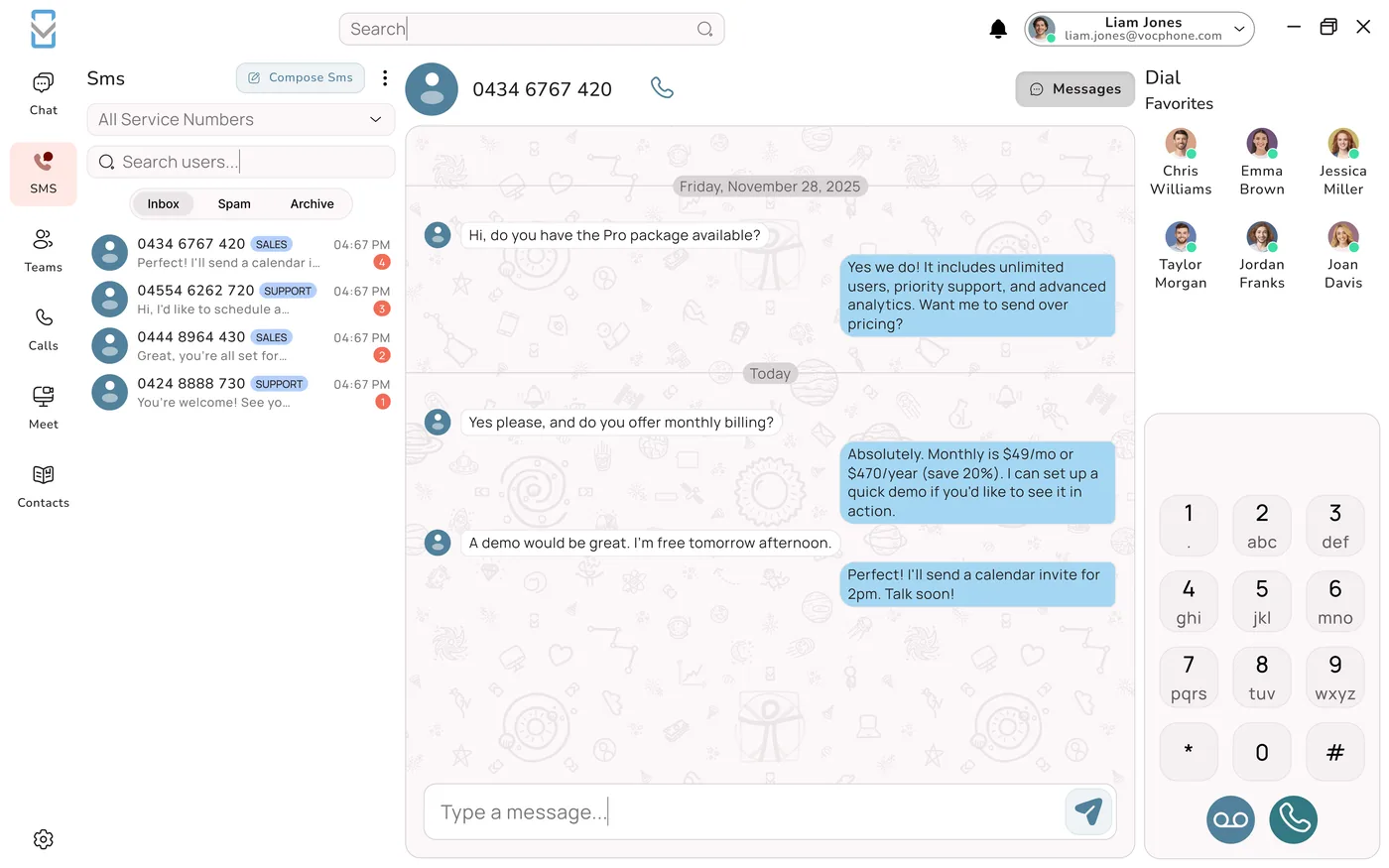
With a payment link, the conversation stays exactly the same until it is time to pay. Then, instead of asking for the card number, you text the customer a secure link from your payment provider. They tap it, enter their own card on the provider's page, and you see the payment come through, often while they are still on the line.
- Send it from your business number. A link from a random mobile looks like a scam. A text from the number the customer just called looks like what it is.
- Use your provider's own link. Payment links come from your bank or payment provider, so the card is entered on their PCI DSS compliant page, not yours.
- Stay on the call. Offer to wait while they pay. It keeps the sale warm and lets you help if something goes wrong.
- Keep a fallback. For the rare customer who cannot use a link, offer bank transfer or payment in person rather than reverting to reading the card aloud.
If you are reviewing your payment process because of the surcharge changes, our guide to repricing and telling customers about the surcharge ban pairs well with this one.
A One-Page Rule for Your Team
Print this, stick it near the phones and go through it at your next team meeting.
Our card payment rule
1. We never write down a card number or security code, for any reason. 2. Phone payments are taken by sending a payment link by SMS from our business number. 3. If a customer starts reading out their card, we politely stop them and send the link instead. 4. If card details arrive by email, text or voicemail, we delete them and ask the customer to pay by link. 5. Everyone uses their own login, and nobody shares passwords. 6. If anything looks wrong with a card terminal or a payment, we tell the manager straight away.
A simple script helps with rule 3: "To keep your card safe, we don't take numbers over the phone. I'll text you a secure link now and stay on the line while you pay."
How VOCPhone Fits In
VOCPhone is a business phone platform, not a payment provider, so your bank or payment provider still processes the card. Where we help is the phone side of the plan. VOCPhone is Australian owned, has been operating in Australia for more than 15 years, and owns and operates its own network rather than reselling someone else's.
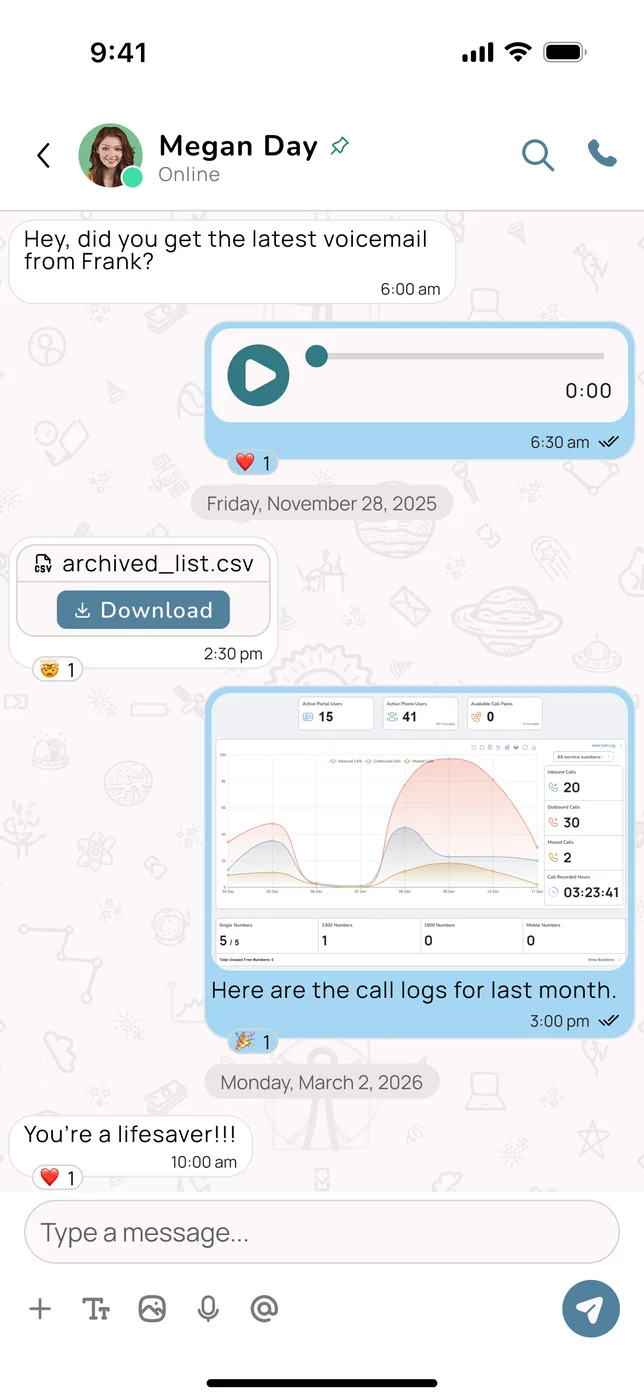
- Two-way business SMS from your business numbers in the desktop and mobile apps, so a payment link goes out from the number the customer already knows, and the whole team can see the conversation.
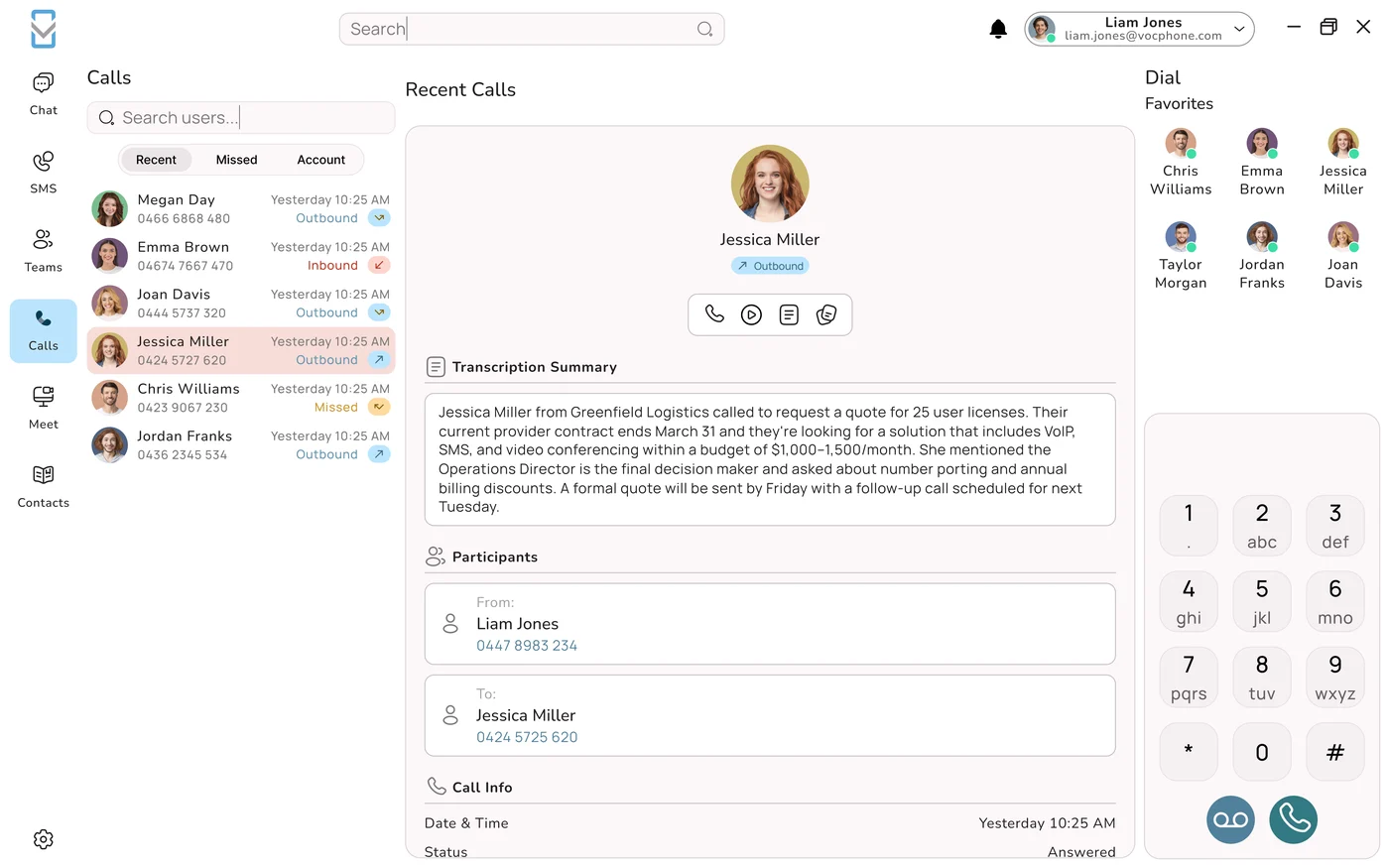
- Call recording you can plan around. Talk to our local team about how recording is set up for the people and lines that take payments, so card details are not captured.
- Individual logins for every user on the apps and portal, rather than one shared phone.
Our local team takes your call in business hours, and our AI agent picks up after hours.
Frequently Asked Questions
Does PCI compliance apply to small businesses?
Yes. Any business that accepts credit or debit cards agrees, through its merchant agreement, to follow PCI DSS. Most small businesses show compliance by completing a yearly Self-Assessment Questionnaire, and many qualify for one of the shorter forms.
How do I know which PCI questionnaire to fill in?
It depends on how you take cards. Businesses where customers only pay on the payment provider's own pages or links usually complete SAQ A, standalone internet-connected terminals usually mean SAQ B-IP, and keying cards into a web-based virtual terminal usually means SAQ C-VT. Your bank or payment provider confirms which one applies.
What happens if my business is not PCI compliant?
There is no government fine, but your bank or payment provider can charge monthly non-compliance fees, and if card details are stolen you may face investigation costs and charges passed on from the card brands. In serious cases a provider can stop you accepting cards.
Is it safe to take card details over the phone?
It is allowed, but it is the hardest way to take cards safely because staff hear the details and they can end up in notes or call recordings. Sending the customer a secure payment link by SMS during the call means they enter their own card and your business never handles it.
Can I keep a customer's card details for repeat orders?
You should never keep the card security code after a payment. Storing card numbers brings much heavier PCI requirements. Instead, ask your payment provider about saving cards securely on their side, so your business never holds the details.
How often do I need to do the PCI self-assessment?
Once a year, and whenever your payment setup changes significantly. Some setups also need quarterly network scans. Your bank or payment provider will tell you what applies.