











A Call That Knows Who Is Ringing
It is 7.40 on a Tuesday night. A customer whose hot water system was serviced last month rings because it is leaking again. In most businesses that call goes to voicemail, or to an answering service that takes a name and number and promises a callback.
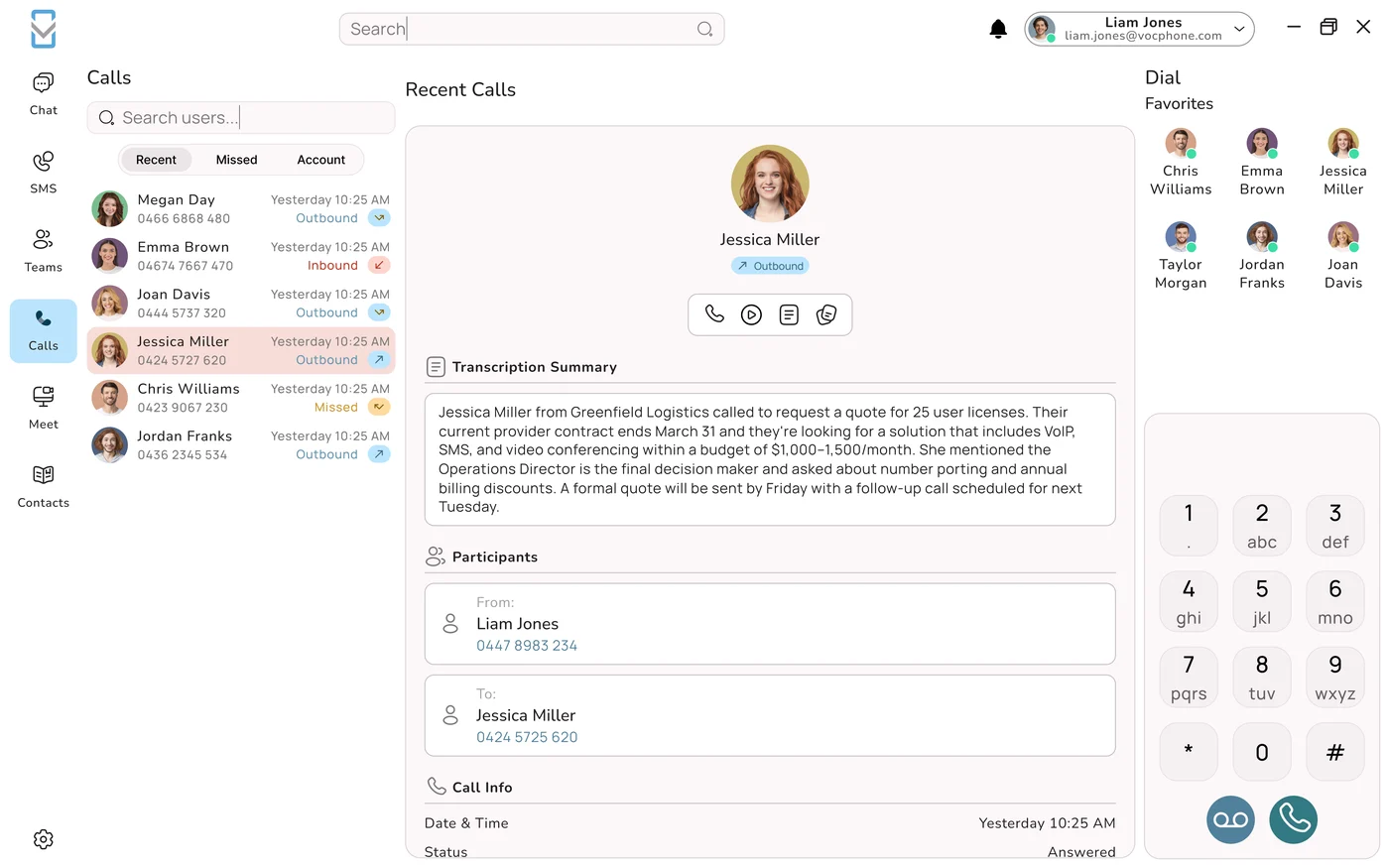
Now imagine the same call answered by an AI phone agent with access to your systems. It recognises the number, greets the customer by name, sees last month's job, asks a couple of questions about the leak, offers Thursday morning, books it, texts a confirmation from your business number and leaves a summary on the customer record for the technician. Nobody on your team picked up the phone, yet the customer feels known.
Answering the call was the easy part. What made it useful was the agent reaching the CRM, the job history and the calendar. Connecting AI to those systems is the problem MCP was designed to solve.
MCP, Briefly
MCP stands for Model Context Protocol. It is an open standard, first published by Anthropic in November 2024 and now looked after by the Agentic AI Foundation under the Linux Foundation, that gives AI tools one consistent way to work with other software. A business application publishes an MCP server listing the actions it allows and the information it can share. Any AI product that speaks MCP can then discover and use them, without a custom integration for every pairing.
For a phone system, the important point is that an AI agent no longer needs a bespoke connector for each CRM, booking tool or job system. If those products expose MCP servers, connecting them becomes a configuration and permissions job rather than a development project. If you want the fuller background on how MCP works, the Model Context Protocol website and its specification are the primary sources.
Five Jobs MCP Could Do Around Your Calls
Here is where connected AI earns its keep on the phones. The first three only read information. The last two change things, so they deserve tighter controls.
1. Recognise the caller
The agent looks up the incoming number in your CRM or practice software and pulls back the name, the account and anything flagged, such as an overdue invoice or a VIP customer. The caller does not have to spell their surname, and the agent can route them properly from the first sentence.
2. Check a status
"Where is my order?" and "When is the tech coming?" are among the most common calls a business gets. With read access to the order, job or ticket system, the agent can answer them directly, and save your team dozens of interruptions a week.
3. Book the job
The agent reads live availability and creates the booking in the calendar or job system your team already uses, then confirms by SMS. This is where after-hours calls turn from messages into revenue.
4. Log the call where people will see it
A transcript in the phone system is useful. The same summary sitting on the customer record in your CRM is far more useful, because that is where your team looks before calling back.
5. Line up the follow-up
The agent drafts the quote request, the callback task or the follow-up text, and a person approves it before it goes anywhere. This keeps the speed of automation while a human still makes the decision that matters.
What Already Works Without Waiting
MCP is an important step, but plenty of this is possible today through older, proven routes. You do not need to wait for every vendor in your stack to publish an MCP server.
| Route | What it does | Good for |
|---|---|---|
| Webhooks | The phone system tells your software the moment something happens: call started, call missed, voicemail left, transcript ready | Screen pops, missed-call texts, writing summaries to the CRM |
| Open API | Your software asks the phone system for records or tells it to act, such as placing a call or sending an SMS | Click-to-call, reporting, provisioning users and numbers |
| No-code tools | Zapier, Make or Power Automate join the two without code | Small teams without a developer |
| AI agent tools | The agent reads the calendar, books, transfers, texts and posts the outcome to a webhook during the call | Reception, bookings and after-hours cover |
| MCP | A standard way for AI tools to discover and use other software | Flexible, plain-language tasks across many systems |

In practice MCP servers are usually built on top of the same APIs. A phone platform with an open API and a full set of events is therefore ready for whatever AI tooling comes next. One that keeps data inside its own screens is not, whatever the brochure says. Our guide to open voice and SMS APIs and our overview of phone system integrations go further on both.
Ten Questions for Any Vendor Claiming MCP Support
"MCP support" is becoming a box on feature lists, and the phrase can mean anything from a fully governed set of tools to a weekend prototype. These questions separate the two. Our earlier checklist, four questions to ask any AI agent vendor, pairs well with this one.
- Which tools does your MCP server expose, exactly? Ask for the list, and which ones read data and which ones change it.
- Can we switch individual tools off? You should be able to start read-only and add write tools one at a time.
- How is access granted and revoked? Look for proper sign-in and scoped permissions, not a master password pasted into a settings box.
- Does the AI ever see our credentials? The right answer is no. They should stay with the server.
- Can a person approve actions before they happen? Especially bookings, refunds, cancellations and anything sent to a customer.
- Is every tool call logged, and can we see the log? Who asked, what ran, what came back and when.
- Where is our data processed and stored? Which AI service, which country, how long it is kept and whether it is used for training. This matters under the Privacy Act if your business is covered.
- How do you defend against prompt injection? A customer's message or an email can contain instructions aimed at the AI. Ask how tool results are kept separate from commands.
- What happens when our system is slow or down? The caller should get a graceful fallback, such as a message or a transfer, not silence.
- Can we take our data with us? Recordings, transcripts and records should be exportable if you ever leave.
General information
This guide describes the Model Context Protocol and common integration methods as they stood in November 2026. It is not legal or security advice. If your business holds health, financial or other sensitive information, get advice before connecting AI tools to it.
Start Small: A Four-Week Pilot
The businesses that get value from connected AI rarely start with everything at once. They pick one call type, prove it, then widen it.
- Week 1: choose a narrow job. One call type, such as "when is my appointment?", and one read-only lookup to answer it.
- Week 2: run it alongside the team. Compare the agent's answers with what staff would have said. Fix the instructions and the data, not just the AI.
- Week 3: add one action with approval. For example, booking a callback that a person confirms before it goes in the diary.
- Week 4: review. Read the logs, count the calls handled end to end, note every mistake and decide whether to widen it, change it or stop.
Our 90-day plan for a first AI agent covers the longer road once a pilot has earned its place.
Building It on VOCPhone
VOCPhone has run business phones in Australia for more than 15 years, on a network we own and operate ourselves. The connected-call scenario at the top of this guide relies on pieces you can use today:
- AI Phone Agents in a natural Australian voice that answer, triage, read a connected calendar, book, transfer to a person, send SMS and post the outcome to your systems by webhook.
- An open voice and SMS API for click-to-call, call records, recordings and sending messages from your business numbers.
- Webhook events for calls, missed calls, voicemail, messages and finished transcripts.
- Zapier, Make and Power Automate to connect without writing code.
- Recordings, transcripts and summaries attached to every call in the app and portal.
Those are the same foundations MCP connections are built on. Tell us which systems your team works in, and our local team will show you what your AI agent can reach now and what a pilot would look like.
Frequently Asked Questions
What does MCP mean for a business phone system?
MCP, the Model Context Protocol, gives AI tools a standard way to use other software. For a phone system with an AI agent, it means the agent can more easily look up the caller in your CRM, check an order or job, book into your calendar and log the call, while the caller is still on the line, within the permissions you set.
Do I need MCP to connect my AI phone agent to my CRM?
No. Webhooks, an open API and no-code tools such as Zapier, Make and Power Automate already connect calls to most business software, and AI phone agents can already use calendar, SMS, transfer and webhook tools. MCP adds a standard way for AI tools to discover and use other systems, which makes more flexible connections simpler over time.
What should I ask a vendor that says it supports MCP?
Ask which tools its MCP server exposes and which change data, whether you can switch tools off individually, how access is granted and revoked, whether the AI ever sees your credentials, whether a person can approve actions, whether every tool call is logged, where data is processed and stored, how it handles prompt injection, what happens when a system is down, and whether you can export your data.
Is it safe to let an AI agent book jobs and update records?
It can be, with sensible controls. Start with read-only lookups, add one action at a time, have a person approve anything that changes data or goes to a customer, log every action, and check where customer information is processed. This is general information, not security or legal advice.
How should a small business start with MCP and AI agents?
Run a four-week pilot. Pick one call type and one read-only lookup, run it alongside your team for a week, add one action that a person approves, then review the logs, mistakes and time saved before deciding whether to widen it.
Does VOCPhone have an open API for AI tools?
Yes. VOCPhone has an open voice and SMS API with webhook events for calls, missed calls, voicemail, messages and transcripts, plus Zapier, Make and Power Automate connections. VOCPhone AI Phone Agents can read a connected calendar, book, transfer, send SMS and post outcomes to your systems by webhook.