










A Business Phone System Is a Set of Answers
Strip away the product names and a business phone system does one job: it decides, ahead of time, what happens when someone rings your business. Which phones ring. In what order. What the caller hears at 6pm on a Friday. Where the message goes if nobody picks up. Whether there is a record of the call afterwards, and who can see it.
Every business already has answers to those questions; the difference is whether you chose them. A sole trader on a personal mobile has a phone system too: one phone, no hours, a voicemail box checked when someone remembers. It works until the business outgrows the person holding the phone, then fails quietly, one missed call at a time. So look at the calls you actually get and decide what should happen to each one.
About the three businesses
The tradie, the clinic and the office below are illustrative composites of the calls Australian businesses describe to us every week, not case studies.
A Day of Calls: The Tradie
Dan runs a two van electrical business. He is on site most of the day, his partner does the books from home three days a week, and an apprentice rides with him.
| When | The call | What has to be true for it to go well |
|---|---|---|
| 7:10am | A regular customer rings while Dan is driving. | The call reaches Dan's mobile on the business number, hands free. |
| 10:40am | A new enquiry rings while Dan is in a ceiling space. | Something answers and takes the job, or the caller rings the next electrician. |
| 1:15pm | A supplier needs accounts. | The call reaches his partner's laptop at home on the same business number. |
| 6:45pm | A homeowner wants a quote. | A clear after hours answer: a booking, an SMS, or a message in Dan's email. |
Dan does not need a receptionist console or a dozen extensions. He needs the business number on his mobile, a second person who can share the load, and an answer when he cannot answer. The expensive moment is 10:40am: a new caller who reaches voicemail rarely leaves a message.
A Day of Calls: The Clinic
A physiotherapy clinic with four practitioners and two front desk staff. Most calls are bookings, changes and cancellations, with a steady stream of health fund and referral questions.
| When | The call | What has to be true for it to go well |
|---|---|---|
| 8:00 to 9:30am | The morning rush: several callers at once. | Both front desk staff ring together, then calls overflow instead of ringing out. |
| 11:20am | A GP rings about a referral with a specific physio. | Reception can see if that physio is free, then transfer or take a message. |
| 12:30pm | Lunch. The front desk is empty. | An AI agent books, moves or cancels appointments, or a checked message path. |
| 3:00pm | A patient disputes a price they were quoted. | The call was recorded, with a notice at the start. |
The clinic's problem is concentration: most calls arrive in two short windows. Its business phone system is mostly about those windows, plus a privacy edge Dan does not have, which is why recording notices and where recordings are stored matter more here.
A Day of Calls: The 15 Person Office
A property management firm with fifteen staff across leasing, maintenance and accounts. Several people work from home one or two days a week.
| When | The call | What has to be true for it to go well |
|---|---|---|
| 9:05am | A tenant rings the main number about a leaking tap. | A short menu sends it to maintenance, not through reception. |
| 10:30am | A landlord rings Priya, working from home. | Her extension rings on her laptop and mobile, exactly as at her desk. |
| 11:45am | An owner calls about arrears. | The number is recognised and their record opens before anyone says hello. |
| After hours | No hot water at a rental. | The call reaches whoever is on call this week, with no Friday reprogramming. |
| End of month | How many calls did we miss, and when? | Reporting by hour, team and person. |
Fifteen people, three teams and a hybrid roster is a routing problem, and this is where a proper business phone system pays for itself.
The Business Phone System Features Behind Those Moments
Now name the features. All are standard in a modern business phone system, and none is worth paying for unless it solves a moment you actually have.
| Feature | The moment it solves | Tradie | Clinic | Office |
|---|---|---|---|---|
| One business number on mobile, laptop and desk phone | Taking calls anywhere without giving out a personal mobile | ✓ | ✓ | ✓ |
| Business hours and after hours routing | Callers outside hours get a clear answer, automatically | ✓ | ✓ | ✓ |
| AI phone agent | Answering, booking and taking details when nobody can pick up | ✓ | ✓ | Often |
| Voicemail to email | Messages arrive where you already look | ✓ | ✓ | ✓ |
| Ring groups and overflow | A call reaches whoever is free instead of ringing out | Small | ✓ | ✓ |
| Auto attendant menu (IVR) | Sorting callers to the right team without a receptionist | ✗ | Optional | ✓ |
| Call recording | Settling disputes, training staff, meeting record keeping duties | Useful | ✓ | ✓ |
| Business SMS | Confirmations and replies from the business number | ✓ | ✓ | Useful |
| Presence and transfers | Seeing who is free before you put a call through | ✗ | ✓ | ✓ |
| CRM or practice software lookup | Knowing who is calling before you answer | Optional | Optional | ✓ |
| Reporting | Knowing how many calls you missed, and when | Basic | ✓ | ✓ |
The top rows matter to everyone and are exactly what a personal mobile cannot do; the bottom rows are where most sales demonstrations spend their time. Start at the top. Our features page shows each one working.
The feature that changed the most
For a small business, the AI phone agent is the biggest shift. It answers when nobody can, in a natural Australian accent, takes the details, books the job and sends you a summary. Dan's 10:40am call and the clinic's lunch hour are what it is for. See our AI phone agents.
Cloud, VoIP, Hosted: Why the Names Do Not Matter
If you have started shopping, you have seen the same product called several things.
Cloud phone system
The system runs in a provider's data centre, not a box in your cupboard.
VoIP
How the call travels: over the internet instead of copper lines.
Hosted PBX
The old office phone system, run for you by a provider.
Business phone system
What you are buying. In 2026 it is almost always all three at once.
So a "cloud phone system" quote and a "VoIP" quote are usually the same category of product. The differences are who runs the network, where your data lives, who answers when something breaks, and the bill in month thirteen. Our comparison of business phone systems in Australia lays the main options side by side.
Three Ways to Get a Business Phone System in 2026
1. Mobile only
Suits a sole trader in year one, until a second person needs to answer or calls start going missing.
2. A full business phone system
Suits most businesses from two people to a few hundred: one number on every device, hours, routing, recording, SMS, apps and an optional AI agent. Desk phones are optional.
3. A contact centre platform
Suits teams where callers genuinely queue. Several times the price per person, and usually needed for a handful of seats, if any.
Almost everyone belongs in option two, so the real choice is the provider.
What to Budget For
Make sure every quote covers each of these lines:
- The monthly plan, usually priced per user, sometimes with a base number of users included.
- Calls, usually included except international.
- Setup and number porting fees, if any.
- Desk phones, only if you want them.
- Add ons, such as an AI phone agent or extra numbers.
- The internet connection underneath.
Why the quote and the first bill so often differ is covered in the business phone system quote versus the bill. For reference, our published plan is $84.90 a month including three users on a 36 month term, then $30 per extra user, or $104.90 month to month, with $0 setup and $0 porting.
The Minimum Business Phone System, by Size
The shortest version of this article. Start with your row and treat the rest as optional until a real call proves otherwise.
| Business | Must have | Add when you notice the need |
|---|---|---|
| Sole trader | A business number on your mobile app, business hours, voicemail to email, an after hours answer | AI phone agent for calls you cannot take on the tools; business SMS |
| 2 to 5 people | All of the above, plus a ring group, apps on every phone and laptop, transfers | Call recording; a short menu if calls need sorting |
| 6 to 20 people | All of the above, plus an auto attendant, presence, recording, reporting by hour | CRM integration; desk phones for reception; an AI agent for peaks and lunch |
| 20+ people or several sites | All of the above, plus team based routing, overflow between sites, admin roles | Contact centre seats for the few who handle a genuine queue |
A two week rollout is realistic for any row: see our two week plan for setting up a business phone system.
Where VOCPhone Fits
We are a business phone system provider, so read this with that in mind.
Our own
network. VOCPhone owns and operates the network your calls travel on. We are not reselling somebody else's platform.
15+ years
running business voice in the Australian market, Australian owned and Australian hosted.
99.99%
network uptime, with a support team of real people in Australia.
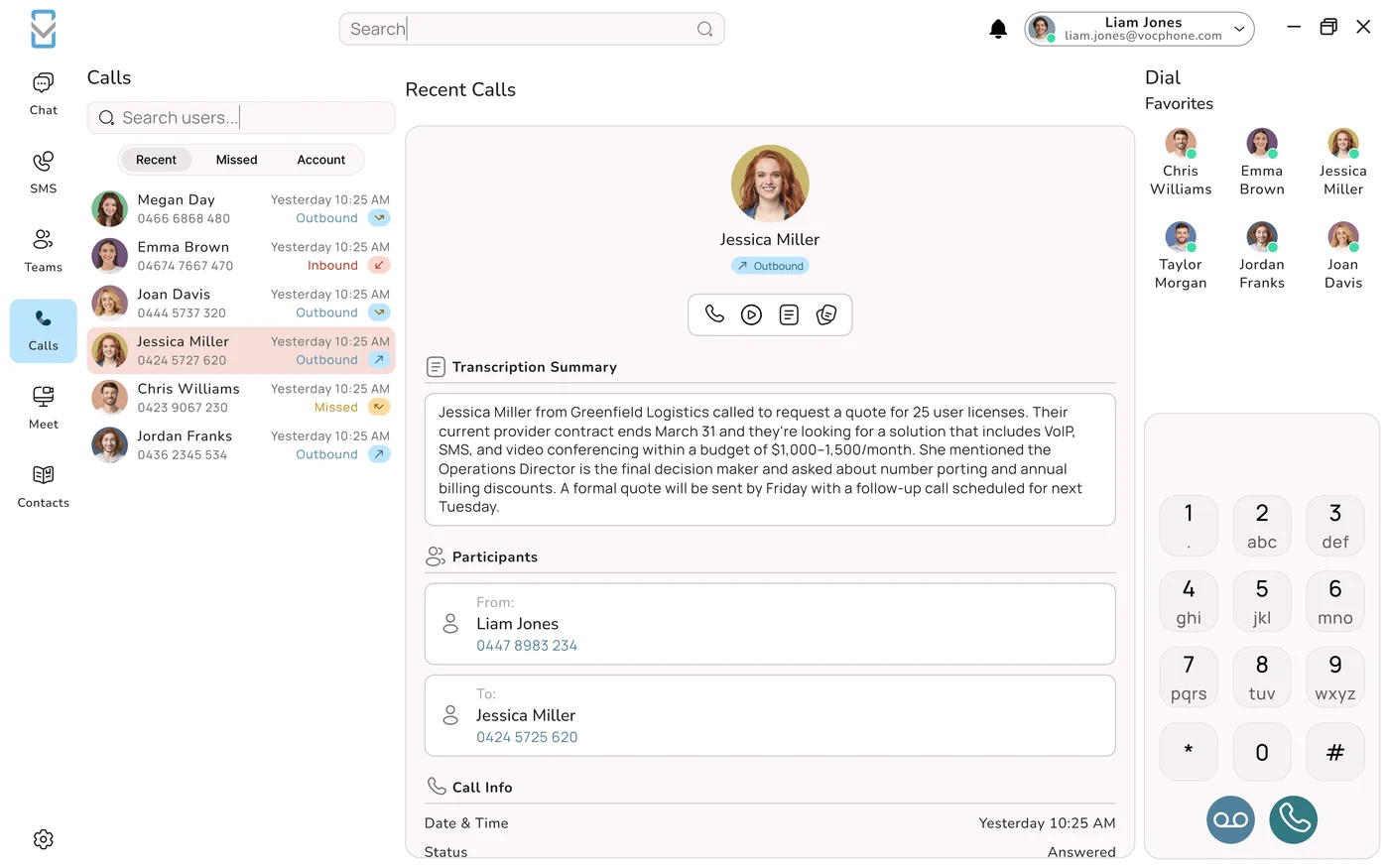
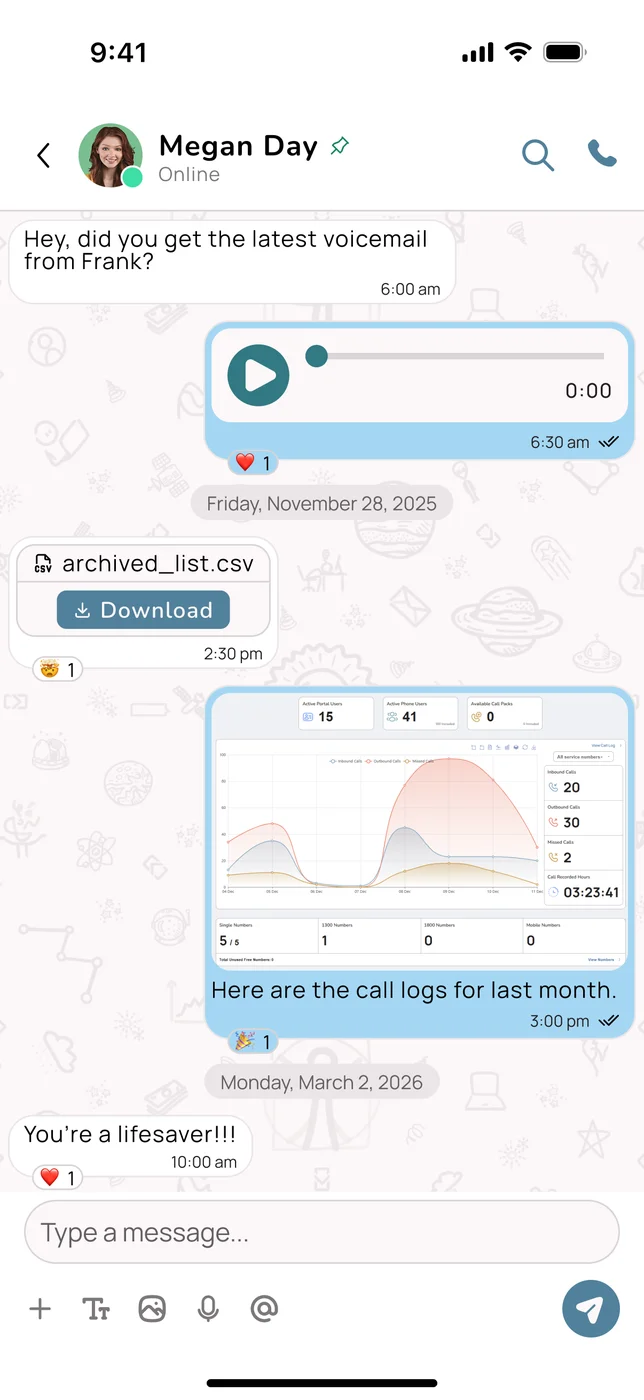
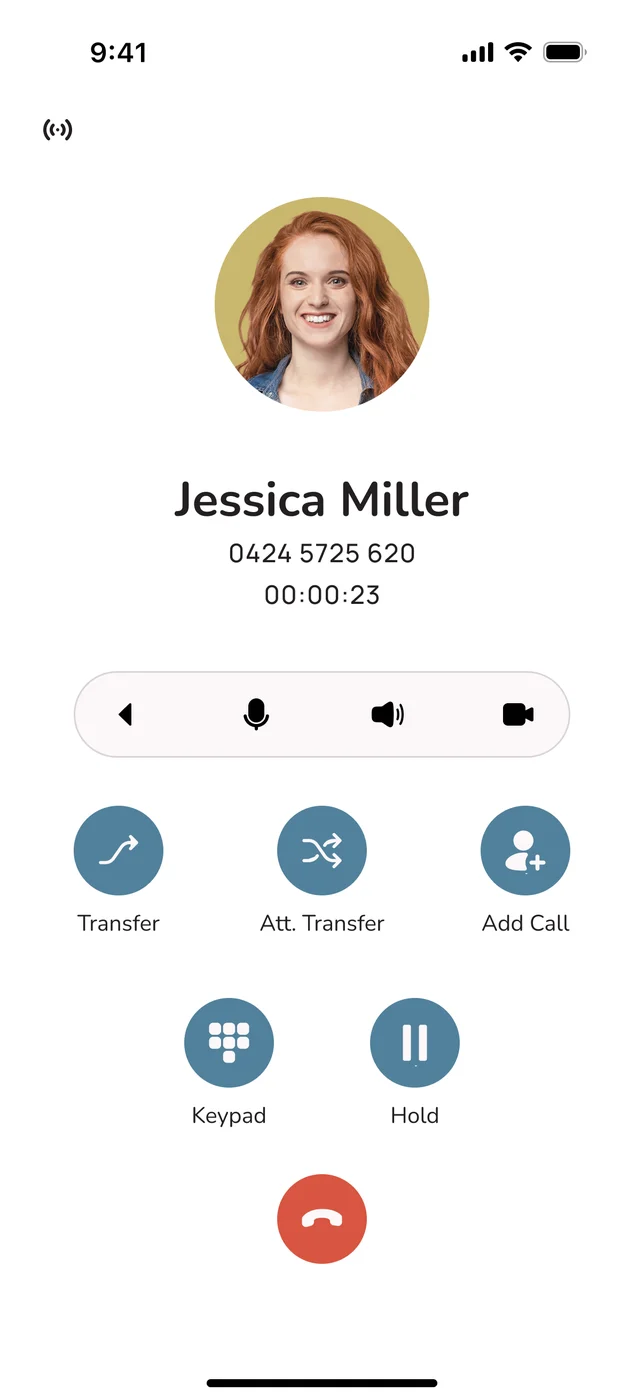
Plans include the apps, unlimited internal calls, free setup and porting, and a price-match guarantee. Click around working demos of the VOCPhone desktop app and mobile app in your browser, no sign up. To compare us fairly, use our business phone system shortlist test, and see what makes VOCPhone a market-leading business phone system.
Frequently Asked Questions
What is a business phone system?
A business phone system decides what happens when someone rings your business: which phones ring and in what order, what callers hear outside business hours, where messages go when nobody answers, and what record is kept. In 2026 it is almost always delivered over the internet, so you use it through apps on your mobile and laptop and, if you want them, desk phones, while the provider runs the system itself.
Is a cloud phone system the same as a business phone system?
For an owner, yes. A cloud phone system is a business phone system that runs in a provider's data centre, VoIP is how its calls travel over the internet, and a hosted PBX is the older name for the same arrangement. The differences worth comparing are who owns the network, where your data is stored, who supports you, and what you actually pay after the first year.
What features does a small business phone system need?
Start with one business number on your mobile and laptop, business hours with an after hours path, voicemail to email, and a ring group so calls reach whoever is free. An AI phone agent that answers and books work when nobody can pick up is now the most valuable addition. Recording, SMS, menus, presence and CRM integration matter more as you pass about six people.
Do I still need desk phones?
No. Every user can make and receive calls on the business number through desktop and mobile apps, and many small businesses run entirely on apps. Desk phones still suit a busy reception desk, a shared phone in a workshop, and people who prefer a handset. Start with apps and add handsets only where people want them.
Can a business phone system answer calls when I am busy or after hours?
Yes. Routing can ring your mobile, then a colleague, then send voicemail to your email. Business hours settings give after hours callers a clear message and options. An AI phone agent goes further: it answers in a natural Australian accent, takes details, books appointments and sends you a summary, at any hour.