











What Is Happening Right Now
At about 5:15am AEDT this morning, Friday 13 November, Microsoft 365 started failing. By 6:38am Downdetector was logging more than 11,000 reports a minute worldwide, and by the time most Australian offices opened, Outlook would not load, emails were not arriving, and Teams was refusing to connect for many users. Microsoft is tracking the fault as MO1550821 for Microsoft 365 as a whole and EX1550543 for Exchange Online mailboxes.
~5:15am
AEDT, when Microsoft says the impact began.
11,000+
Downdetector reports per minute worldwide at the peak, according to the ABC.
11+
Microsoft services listed as potentially affected, from Exchange and Teams to Intune and Purview.
The effects across Australia this morning have been wider than "email is slow". The ABC has reported medical practices unable to send referrals, a rail operator unable to upload train details that normally arrive by email, and staff locked out of other systems because their two-factor codes are sent to an inbox they cannot open. The National Cyber Security Coordinator's office has said it is aware and looking into it.
Status at the time of writing (9:45am AEDT)
Microsoft's most recent update said its actions so far "have not provided the anticipated relief" and that it was isolating part of its infrastructure to test a recovery. There is no estimated fix time. Check status.cloud.microsoft or the Microsoft 365 Status account on X for the latest. We will update this page as the picture changes.
Why Your Phones Went Down With Your Email
Plenty of Australian businesses moved their phones into Teams over the last few years. It made sense on paper: one login, one app, one bill. Today shows the cost of that convenience. When Teams is your phone system, your phones depend on the same Microsoft 365 plumbing as your email.
The app has to connect
A Teams call rings in the Teams app. If the app cannot sign in or load, the call has nowhere to ring, whether your number comes from a Calling Plan, Operator Connect or Direct Routing.
Voicemail lives in Outlook
Teams voicemail is delivered into the user's Exchange Online mailbox. Exchange is the part of Microsoft 365 hit hardest today, so even the messages customers leave may not reach you.
The menu and queues are Teams too
Auto attendants and call queues run as Teams resource accounts. A caller choosing "press 2 for accounts" is relying on the same service that is struggling.
The fix screen is down
The normal way to forward calls elsewhere is the Teams app or the Teams admin centre. The Microsoft 365 admin centre has been listed as affected this morning, and Microsoft's own status pages were slow to load.
That last point is the one that catches people out. On a bad day you want to say "send everything to my mobile". If the place you would do that is inside the outage, you cannot.
What to Do in the Next Hour
Work through these in order. Most take a few minutes and none need Microsoft to be working.
- Find out what is actually broken for you. Try Teams on a mobile on 4G or 5G, not the office Wi-Fi, and try the web version at teams.microsoft.com. Some users can connect on one and not another. Write down who can and cannot receive calls.
- Ring whoever provides your Teams phone numbers. If your numbers come through Operator Connect or Direct Routing, your carrier or SBC provider controls the number before it reaches Microsoft. Ask them to divert your main numbers to a mobile or a backup line at their end until Teams is stable. This is the single most useful call you can make this morning.
- If you are on a Microsoft Calling Plan, forwarding lives inside Teams. If anyone on the team can still get into Teams on a phone, use it to set call forwarding to a mobile now, while it works.
- Tell customers where to reach you. Put a banner on your website and a post on your Google Business Profile with a mobile number. If you send appointment reminders by SMS, send a short text to today's bookings.
- Phone your most important customers yourself. Anyone waiting on a quote, a delivery or a reply to an email should hear from a person on a mobile. It costs ten minutes and saves a lot of "I emailed you and heard nothing".
- Keep a paper log. Note who called, who you could not reach and what emails you are expecting. When Outlook comes back there may be a flood, or gaps.
Locked out by two-factor codes?
If a supplier portal or bank sends its login code by email, ask whether it can send by SMS or an authenticator app instead. Today is a good day to change that setting permanently for anything that matters.
What Teams Phone Users Can and Cannot Do
Here is a quick reference for the different ways Teams can be set up as a phone system, and what usually still works when Microsoft 365 is struggling.
| How your Teams numbers are supplied | Who controls the number before Teams | What you can do today |
|---|---|---|
| Microsoft Teams Calling Plan | Microsoft | Very little outside Teams. Set forwarding from any device that can still connect, and publish a mobile number. |
| Operator Connect | Your Australian carrier | Ask the carrier whether they can divert the numbers at their end. Many can. |
| Direct Routing through an SBC | Whoever runs the SBC | Ask them to reroute the numbers on the SBC to mobiles or a backup system until Teams is reliable. |
| A separate phone system that only links to Teams | Your phone provider | Calls keep ringing on desk phones and the provider's app. Only the Teams link is affected. |
If you are not sure which one you have, look at your phone bill. If it comes from Microsoft as part of your 365 licences, it is probably a Calling Plan. If it comes from a telco or an IT provider, ask them which of the other three it is. We explain the differences in more detail in our guide to Teams Phone in Australia.
What Microsoft Has Said So Far
Microsoft's explanation has changed over the morning, which is normal in a live incident. In short:
- First it reported "elevated load" across parts of its infrastructure.
- Then it said the load was not a surge of users. A large number of servers had become unexpectedly unavailable, and the rest were struggling to carry their traffic.
- Then it suspected a single component that checks whether each server is healthy. Servers were failing those checks and being pulled out of service, which pushed more work onto the ones left. It paused all deployments and began restarting servers and bypassing that check.
- Most recently it said "a core process on the affected servers is becoming overwhelmed", that its fixes had not worked as hoped, and that it was investigating a small number of recent configuration updates and isolating part of the service to test recovery.
Microsoft has not confirmed a root cause, and nothing it has said points to a cyber attack. Commentators have floated everything from a bad configuration change to deliberate disruption. Treat that as speculation until Microsoft publishes its post incident review, which usually follows within a few days. This is Microsoft 365's second major outage this year, after a multi hour disruption to Outlook and Teams on 22 January 2026.
The Lesson: Keep Phones and Email Apart
No provider has a perfect record, and this is not a reason to throw Microsoft 365 out. It is a very good email and document platform. The lesson is about what engineers call failure domains: if two critical things run on the same platform, they fail together.
| Setup | On a day like today |
|---|---|
| Email and phones both in Microsoft 365 | No email, no reliable calls, and limited ways to redirect either. |
| Email in Microsoft 365, phones on a separate system | No email, but customers still get through. You can tell them by phone what is happening. |
| Separate phones, plus mobile app and divert to mobile ready | Customers barely notice. Staff answer on desk phones or the app, wherever they are. |
The phone is how customers reach you when everything else is broken. It is how a patient says they are running late, how a client chases a missing invoice, and how you tell your biggest account why their email bounced. That is a good reason for it not to share an off switch with your inbox. Our piece on phone redundancy goes further into how to plan for this.
VOCPhone Is Operating Normally
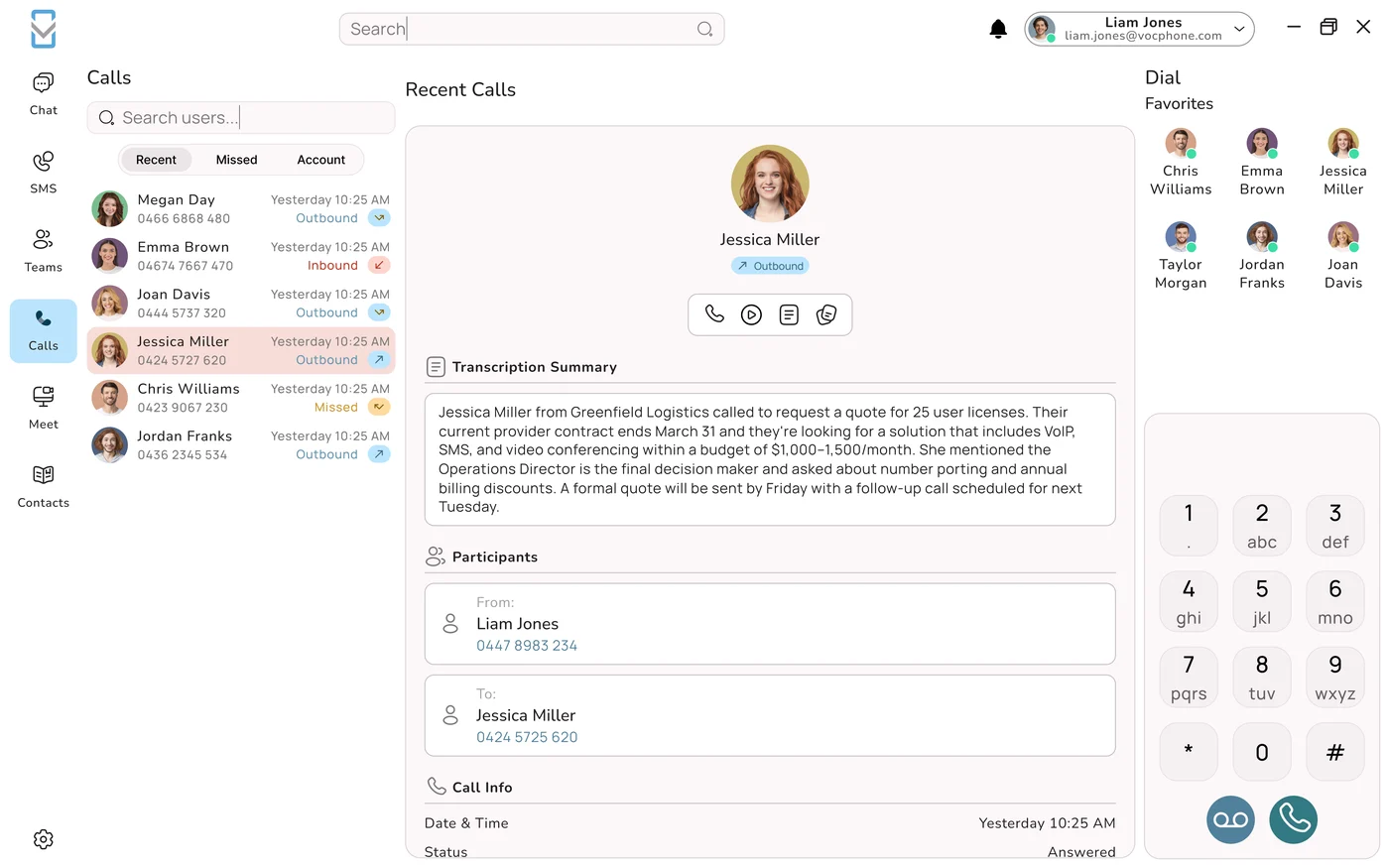
VOCPhone does not run on Microsoft 365. We own and operate our own network in Australia, with our own voice platform behind it, so this morning's Microsoft fault has not touched calls on our system. VOCPhone customers are making and receiving calls, using call queues and voicemail, and working from the desktop and mobile apps as normal. Our network runs at 99.99% uptime, and our local team is answering the phones today.
If your business is stuck this morning, we can help in two ways. Today, ring us and we will talk through what can be done right now with what you already have, even if you never become a customer. And when things are calm again, we can show you how to keep Microsoft 365 for email and documents while your phones run separately, on a network built in Australia for one job. Your existing numbers come with you, setup and porting are $0, and your old service keeps running until the move is done.
Frequently Asked Questions
Is Microsoft Teams down in Australia today?
Yes. A global Microsoft 365 fault that began at about 5:15am AEDT on Friday 13 November 2026 has disrupted Microsoft Teams, Exchange Online and Outlook, SharePoint and a number of other Microsoft services for users in Australia and worldwide. Microsoft is tracking it as incident MO1550821, with the Exchange Online mailbox problem tracked as EX1550543. Teams may fail to connect or load, and Outlook has been the worst affected. As of about 9:45am AEDT Microsoft had not given a time for full recovery. Check status.cloud.microsoft or the Microsoft 365 Status account on X for the latest.
Why can't customers call my business when Teams is down?
If Microsoft Teams is your phone system, incoming calls ring in the Teams app. When the app cannot sign in or connect, the call has nowhere to go. Teams auto attendants and call queues also run inside Microsoft's service, and Teams voicemail is stored in your Exchange Online mailbox, which is the part of Microsoft 365 hit hardest in this outage. So customers may hear ringing with no answer, a failed call, or reach a voicemail you cannot retrieve. Businesses whose phones run on a separate phone system are not affected in the same way.
How do I divert my business number when Teams is down?
It depends on who supplies your Teams numbers. With Operator Connect or Direct Routing, your carrier or SBC provider controls the number before it reaches Microsoft, so ring them and ask for a divert to a mobile or backup line at their end. That is usually the quickest fix. With a Microsoft Calling Plan, forwarding is set inside Teams, so use any device that can still connect, such as the Teams mobile app on 4G or the web app, to forward calls to a mobile. If nobody can connect, publish a mobile number on your website and Google Business Profile until service returns.
What caused the Microsoft 365 outage on 13 November 2026?
Microsoft has not confirmed a root cause. Its updates say a large number of servers became unexpectedly unavailable, which overloaded the remaining infrastructure. It suspected a component that checks server health, because servers failing those checks were being removed from service. It paused deployments, restarted affected servers, tried bypassing the health check and said it was investigating a small number of recent configuration updates. Its latest update said a core process on affected servers was becoming overwhelmed. Nothing Microsoft has published points to a cyber attack. A full post incident review usually follows within a few days.
Is VOCPhone affected by the Microsoft outage?
No. VOCPhone does not run on Microsoft 365. We own and operate our own network in Australia, with our own voice platform, so calls, call queues, voicemail and the VOCPhone desktop and mobile apps are working as normal this morning. Our local team is answering on 1300 663 222 if you need help keeping your own business reachable today.
Should my business stop using Microsoft Teams for phone calls?
Not necessarily. Teams Phone works well for many businesses, and Microsoft 365 is a strong email and document platform. The question this outage raises is whether your phones should depend on the same platform as your email. If both run in Microsoft 365, one fault takes out both, along with your easiest way to redirect calls. Many businesses keep Microsoft 365 for email, files and chat, and run the phone system separately so customers can always get through. At a minimum, make sure your numbers can be diverted outside Teams by your carrier, and that staff have a mobile backup.