











Four Stages, One Business
Most Australian small businesses pass through these four, and most stall at stage two for years without ever framing it as a decision.
Stage 1: the personal mobile
The number on the invoice, the ute and the website is a personal mobile. It works, it is free, and it means the business has no phone identity at all. Every missed call is invisible, and there is no way to hand any of it to anybody else.
Stage 2: a business number, diverted
Feels like a step up and changes almost nothing. Same phone, same missed calls, and outbound still shows the personal number, so customers store that instead and ring it on Sundays. This is where most businesses sit for years.
Stage 3: a second person, and the problem appears
Now the number is a bottleneck. It rings one pocket. A second person cannot help, cannot see what was missed, and cannot pick up where the first left off. The business has grown; the phone has not.
Stage 4: the number belongs to the business
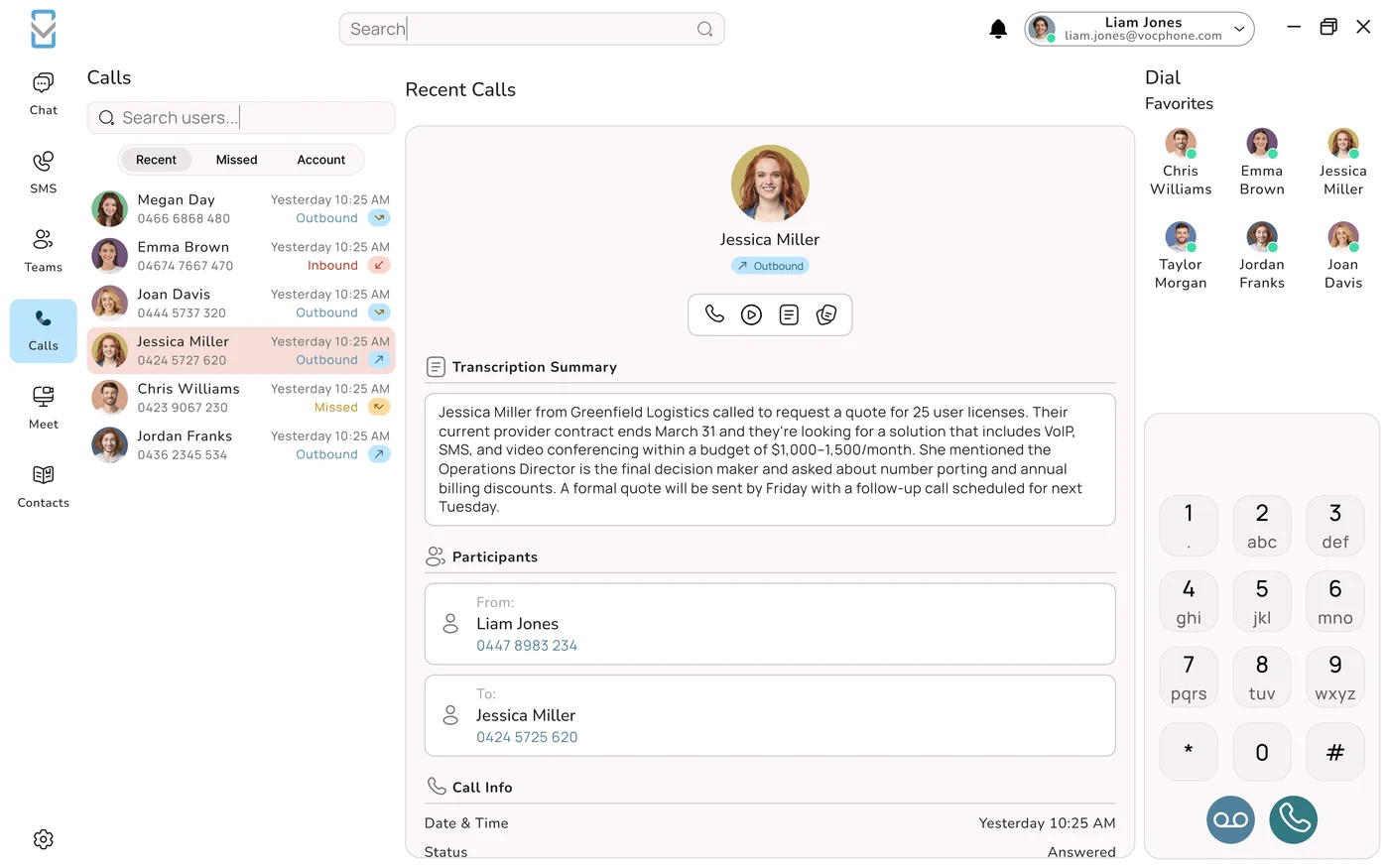
It rings two people in order, knows the time and the date, presents itself on outbound from everyone's mobile, and when nobody can answer, something intelligent talks to the caller and writes down what happened. Nothing installed anywhere.
The jump that matters is not stage one to stage two. It is stage two to stage four, and it is usually cheaper than people expect, because there is no hardware in it.
Where the value actually sits
What "Virtual" Removes, and What It Keeps
| Traditional system | Virtual system | |
|---|---|---|
| The number | Tied to a physical service at an address | Lives in the network; reachable anywhere |
| The system | A box in a cupboard | Software in a data centre. Nothing on site |
| The devices | Cabled desk handsets | Apps on phones and laptops. Handsets optional |
| Getting started | A technician and a day on site | An account, a download, a login |
| Changing something | A support request | Two minutes in a browser, yourself |
| Adding a person | Licences and capacity | Tuesday. And removing them in March |
What is deliberately not removed
The routing intelligence, and this is the whole distinction. Opening hours and public holidays. Ringing several people in a defined order. Overflow when nobody answers. A defined after-hours path. Control of which number shows on outbound. A record of every call, answered or not. A virtual phone system takes away the hardware and keeps the brain. A product that removes both is a second phone number with an app attached. That is a perfectly useful thing: it is just not a phone system, and it should not be priced as one.
The Six Things a Diversion Cannot Do
Stage two deserves a proper autopsy, because it is where most of the country's small businesses are sitting right now.
- It cannot tell you whose call it is. A business call at 10am and your sister at 7pm arrive identically, so you either answer everything in work mode or answer a customer the way you would answer family.
- It cannot fix outbound. Every call you make shows your personal number. Customers store it, ring it directly forever, and no amount of publishing the business number afterwards undoes that.
- It has no idea what time it is. The diversion behaves the same at 2am as at 2pm. Turning it off at night is a manual habit that survives about a fortnight.
- It cannot involve anybody else. Flat battery, phone in the ute, already on a call: that is the end of the enquiry. There is no second ring, no overflow, no colleague.
- It remembers nothing. No missed call log, no transcript, no record of what was agreed, and nothing to look at when you wonder why enquiries feel down this month.
- It ties the business to a handset. The person carrying that mobile carries the customer relationships. That is fine until it is not, and it becomes a problem exactly once.
What Happens at 7:40pm
The honest test of any small business phone arrangement is not the 10am call. It is the one that arrives while you are driving home.
| Arrangement | What the caller experiences | What you have the next morning |
|---|---|---|
| Diversion, phone in a pocket | It rings out, or you answer badly while driving. | Nothing, or a half-remembered conversation. |
| Voicemail | A message asking them to leave a message. Most hang up; a minority leave a name and number. | A recording to listen to, sometimes with a number you cannot make out. |
| Answering service | A person who takes a message but cannot answer anything about your business. | A message, and a monthly bill scaled to call volume. |
| AI answering | A short conversation. Their question answered, their details taken properly, and a time booked. | A structured summary, a calendar entry, and a caller who is already dealt with. |
The difference between a voicemail and an answer is not politeness. It is whether the customer is still available in the morning, and by morning most of them have rung somebody else.
Why after-hours is the whole argument
Which AI Earns Its Place at This Size
Below twenty people, two AI capabilities change outcomes, three are genuinely useful, and one is premature. It is worth knowing which is which before paying for a tier.
| Capability | Verdict at 1 to 20 people |
|---|---|
| Answering every call | Transformative. Nothing rings out. This alone is the business case. |
| Answering your twenty most-asked questions | Transformative. Hours, address, service areas, rough pricing, how to book: the bulk of your volume, handled without losing the caller. |
| Booking into a calendar | High value where you sell appointments. Converts an 8pm enquiry before it cools. |
| Transcription and summaries | High value, consistently underrated. Verbal commitments stop evaporating on the drive home. |
| SMS confirmations | Cheap, and measurably reduces no-shows. |
| Call scoring and sentiment | Built for supervising agents. Premature below about twenty people. |
Set the boundary before you switch it on
Automate answering, capturing details, your published questions, booking, transcription and confirmations. Never automate whether something is an emergency, a price you have not published, or a caller in distress. The test is reversibility: if a person can fix the mistake within the hour, automate it; if the customer carries the consequence, a person decides. Ask any provider to show you where that line is set in their console: if it cannot be set, it has been set for you. Our note on which calls to automate works through the categories.
Twelve Things to Check Before You Buy
Take this list to any provider. Fewer than ten of these and you are buying a phone number with an app, not a phone system.
| # | Must do | Because |
|---|---|---|
| 1 | Present the business number on outbound from a mobile | Otherwise customers keep storing the personal one. |
| 2 | Ring more than one person, in an order you set | A flat battery should not cost you a job. |
| 3 | Real hours, including public holidays | You are closed for two-thirds of the week. Decide what that sounds like. |
| 4 | A defined after-hours path | AI answer, transcribed mailbox, or on-call mobile. Not a default. |
| 5 | Escalate to a person on request, at any point | Without the caller having to guess a phrase. |
| 6 | Capture every call, answered or not | An unanswered call should become a work item, not a void. |
| 7 | Transcription and summaries | So what was agreed survives the drive home. |
| 8 | Two-way SMS from the business number | Half of small business follow-up is a text. |
| 9 | Port your existing number | It is on the van, the website and in every customer's contacts. |
| 10 | Hold a registered address for emergency calls | See below. Not optional. |
| 11 | Write into your calendar or CRM | A summary that reaches nothing has produced nothing. |
| 12 | Self-service changes in two minutes | If changing a greeting needs a ticket, it will never be changed. |
Where It Genuinely Stops
It needs usable data
Calls through a mobile app need mobile data, and one bar produces worse audio than a carrier call would. Mitigation: many systems can also ring your mobile number natively, using the carrier voice network instead of data, worth configuring for anyone who works in poor coverage.
It depends on the device
Flat batteries, phones left in vehicles, notifications never enabled. All three look like a phone system fault and none are. Ringing two people and defining what happens when nobody answers is the entire fix.
Emergency calling behaves differently
An app is not the same as your handset's native dialler. This needs one clear conversation at setup and a line in your induction notes, not an assumption.
It has no supervision layer
Virtual systems route beautifully and supervise hardly at all. Service levels, live queue visibility and coaching are contact centre features, which is a good problem to have and a different tier.
Emergency Calls From an App
Three things to settle at setup
Register a service address and keep it current. A cloud service can be used from anywhere, which is exactly why the address held against your service matters: if you move premises, update it that week. Tell people what to use. A mobile application is not the same as the handset's native dialler for an emergency call, and everyone should know which to reach for rather than be left to work it out under pressure. Have an outage plan. A mobile's own dialler works independently of your phone system and internet, and that should be common knowledge on site, not a discovery. Our guide to Triple Zero and cloud phone systems covers the rules and gives you wording you can put straight into an induction.
Live in a Day: The Order
Genuinely a day, with the caveat that porting an existing number runs in the background and takes longer.
- Decide the number. Port the existing one, or take a new one now and let the port complete in the background, running both for a fortnight so nothing is missed. Never cancel the old service before the port finishes.
- Say who answers, in what order. Two names, not one. Then what happens when neither picks up.
- Set the real hours, including Saturdays if you trade, and twelve months of public holidays while you are in there.
- Write the AI's twenty answers. The highest-value forty-five minutes of the whole exercise. Write what you actually say on the phone, including the awkward answers about price and availability, not marketing copy.
- Load your vocabulary. Your suburbs, your product names, your staff names. Ten minutes, and it prevents most transcription errors before they happen.
- Record the greeting in a quiet room. Callers will hear it for years.
- Install the apps and verify them. Signed in, notifications allowed, battery optimisation exempted, and a real inbound test call that actually rings on each phone.
- Connect the calendar or CRM, and test the write rather than the connection.
- Test it properly. Ring during hours, ring at 9pm, ask for a person, ask it something it cannot know, and then check what actually landed in your calendar.
- Register the address and tell everyone what to use in an emergency.
What It Costs, Honestly
$20 to $35
Per user per month, illustrative, for an app seat including AI answering, transcription and business SMS.
$0 to $150
One-off. Porting your number, plus a handset if somebody genuinely wants one on a counter.
Variable
Call spend, plus inbound charges if you use a 1300 number: those are billed to you, not the caller.
The one pricing question that matters at this size
Ask how the AI is charged. Per minute suits low, steady volume. If your calls are lumpy (a busy season, a campaign, a mention somewhere) a per-seat or bundled charge removes the month where the invoice becomes an argument. Ask for a worked example at your real call count, then the same table with volume doubled. And ask what the seat rate becomes in months 13 and 25, because promotional pricing very commonly steps up at one of them and nobody remembers by then. Our quote-versus-bill guide covers the rest of the gaps.
Then put the other number on the page, the one no supplier bills you for: unanswered calls per month, times the share that would have become customers, times what a customer is worth. For most small businesses that figure is several times the entire phone bill, which changes the exercise from minimising a cost to sizing an investment. Our note on what missed calls cost works it through.
Three Signs You Have Outgrown It
| Signal | What it means | What you need next |
|---|---|---|
| Callers are waiting and nobody knows how long | Queue behaviour without queue management. People are abandoning and you cannot see it. | Queues with position, wait time, callback offers and abandonment reporting. |
| Somebody is supervising the phones | Once part of a person's job is how others handle calls, you need visibility and a consistent way to review one. | Live queue views and call scoring. |
| You are asked for numbers you cannot produce | Service level, speed to answer, resolution rates: questions a virtual system was never built to answer. | Reporting with consistent definitions across the team. |
None of these are failures; they are what growth looks like. The practical implication is at purchase time rather than later: choose a provider whose contact centre tier runs on the same platform, so the move is a plan change rather than a migration and your number, records and integrations come with you. Our contact centre software guide covers what that tier should include.
Six Ways to Waste the First Month
Ringing one person
The commonest configuration and the least defensible. A second name in the ring group turns a flat battery from a lost job into a non-event, and it costs nothing.
Leaving the AI's answers generic
Forty-five minutes writing what you actually say, including the awkward answers about price and availability, is what separates an AI customers use from one they work around.
Skipping the vocabulary list
Ten minutes loading your suburbs, product names and staff names. Without it, transcripts contain places that do not exist, and once people read three of those they stop trusting summaries entirely.
Never testing after hours
Ring your own number at 9pm on a Saturday in week one. It is the state your business is in most of the time and the state nobody ever checks.
Not verifying notifications
"It doesn't ring" is almost never the app. It is iOS notifications never allowed, Android battery optimisation, or someone who never signed in. Verify with a real call, not a question.
Not reading week one's transcripts
Twenty minutes tells you what customers actually ask, which is reliably different from what you assumed. Then fix the AI's answers once, properly, instead of tinkering for a month.
What We Set Up
App-first, handsets only if you want them
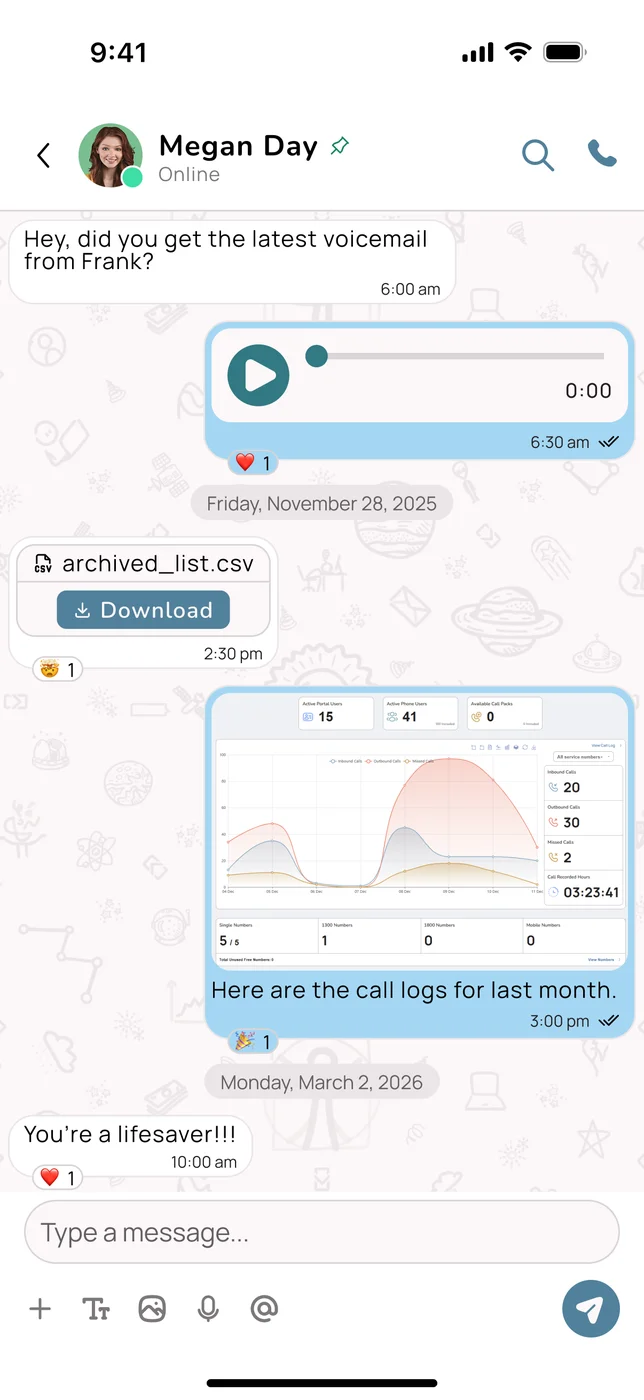
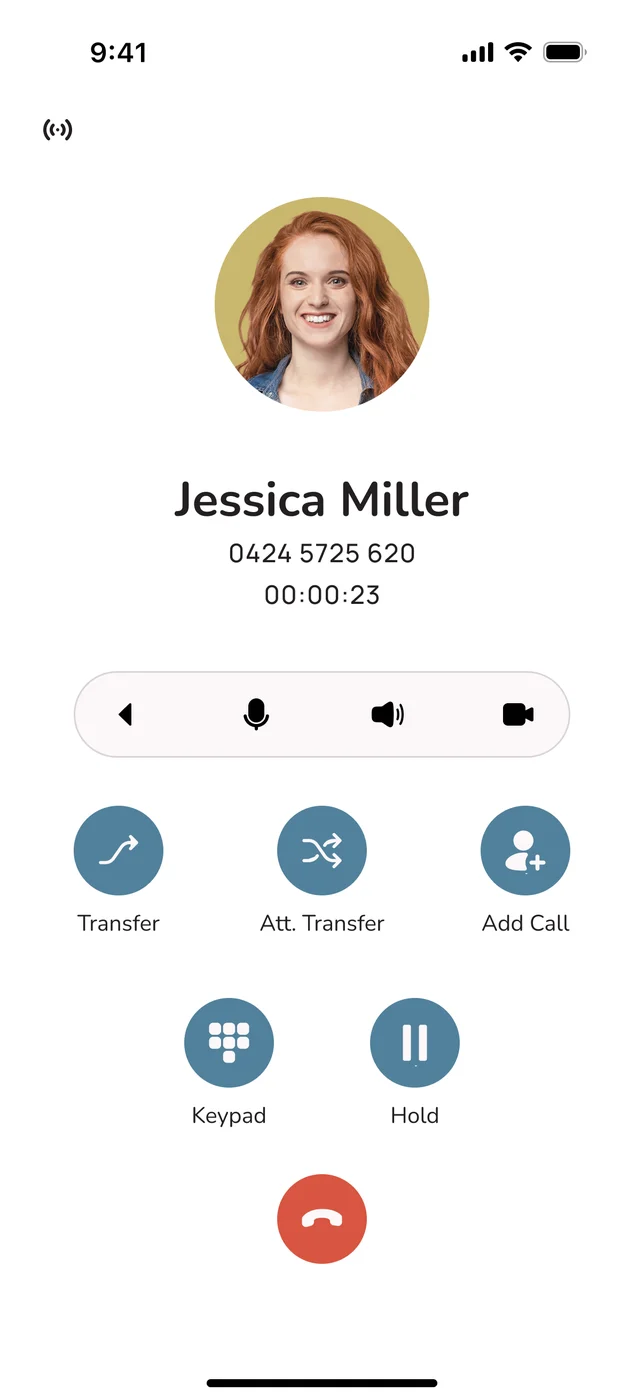
Desktop and mobile apps for calls, video, SMS and messaging, with your business number presented on every outbound call. Desk or cordless handsets are available where somebody genuinely wants one, not as a default line item.
AI with a natural Australian voice
Answers every call, handles your twenty most-asked questions, books appointments, and hands over to a person the moment anyone asks, with your suburbs, product names and staff names loaded as custom vocabulary on day one.
We own and operate the network
VOCPhone runs its own network rather than reselling somebody else's, which is why there is one company to ring when something is odd, and why we can bundle the internet with the phone system if you want one bill and one renewal date.
Room to grow, same platform
When queues, supervision and reporting arrive, it is a plan change rather than a migration. Australian owned, Australian hosted, Australian support, and your number stays yours.
Frequently Asked Questions
What is the best virtual phone system with AI for a small business?
The right one for a one-to-twenty-person Australian business is the one that keeps the routing intelligence while removing the hardware, and there are twelve capabilities worth checking before you compare prices. It must present your business number on outbound calls made from a mobile, or customers will keep storing the personal number and ringing it on Sundays. It must ring more than one person in an order you set, so a flat battery does not cost you a job. It must understand real opening hours including public holidays, and have a defined after-hours path rather than a default. It must let a caller reach a person at any point without guessing a magic phrase. It must capture every call whether answered or not, so an unanswered call becomes a work item rather than a void. It must transcribe and summarise. It must send and receive SMS from the business number. It must port your existing number. It must hold a registered address for emergency calls. It must write into the calendar or CRM where you actually work. And you must be able to change a greeting or an hour yourself in two minutes rather than raising a ticket. Anything scoring under ten of those twelve is a phone number with an app attached: useful, but not a phone system, and it should not be priced as one.
Is a virtual phone system just call forwarding to my mobile?
No, and the difference is invisible on a good Tuesday and decisive on a bad one. A diversion moves the call. A virtual phone system decides what should happen to the call, then moves it, then remembers that it happened. Six things a diversion cannot do. It cannot tell you whose call it is, so a customer at 10am and your sister at 7pm arrive identically and get answered the same way. It cannot fix outbound: every call you make still shows your personal number, so customers store that one and ring it directly forever, and no amount of publishing the business number later undoes it. It has no idea what time it is, behaving identically at 2am and 2pm, and remembering to turn it off at night is a habit that survives about a fortnight. It cannot involve anyone else: a flat battery, a phone in the ute or being on another call is simply the end of the enquiry. It remembers nothing: no missed call log, no transcript, no record of what was agreed, nothing to review when enquiries feel down. And it ties the business to a handset, so the person carrying that mobile is carrying the customer relationships, which is fine until it is not. A virtual system fixes all six and adds the thing a diversion can never have: something that answers when nobody can.
Do I need handsets for a virtual phone system?
No, and for most small businesses you should not start with them. The apps on the phones and laptops your people already carry are the endpoints, and they do everything a desk handset does plus several things it cannot: calls, video, business SMS, messaging, transcripts and call history in one place, from wherever the person happens to be. Handsets earn their place in three specific situations. A counter or reception position where somebody needs to pick up without unlocking a phone. A workshop, clinic, warehouse or venue where a cordless handset is genuinely more practical than a mobile, in which case walk-test the coverage physically rather than assuming it. And an individual who simply prefers a handset and will use the system better with one, which is a legitimate reason, not a technical one. Two practical notes if you do buy. Ask whether your provider supports zero-touch provisioning, so a handset configures itself when plugged in rather than needing manual setup. And ask whether business SIP handsets you already own are supported, because many common models are, and there is no reason to replace working hardware. For comparison purposes, amortise any purchase across five years: a $150 handset is about $2.50 a month, which is usually less than the gap between two seat tiers.
Can AI answer calls for a business with only a few staff?
Yes, and small businesses get proportionally more from it than large ones, because there is nobody else to pick up. Two capabilities do the heavy lifting at this size. Answering every call means nothing rings out: a caller who would have reached voicemail instead has a short conversation, leaves properly structured details, and is dealt with rather than lost. Answering your twenty most-asked questions handles the bulk of your actual call volume: opening hours, address, what you do, whether you cover a particular suburb, roughly what things cost, and how to book. Three more are genuinely useful: booking into a calendar, which converts a 7:40pm enquiry while the caller is still interested rather than requiring a callback that may never connect; transcription and summaries, which stop verbal commitments evaporating on the drive home and are consistently underrated by people who have not had them; and automatic SMS confirmation, which is cheap and measurably reduces no-shows. Call scoring and sentiment analysis are built for supervising a team of agents and are premature below about twenty people. Whatever you enable, set the boundary deliberately: never automate whether something is an emergency, a price you have not published, or a caller in distress. The test is reversibility: if a person can fix the mistake within the hour, automate it.
How much does a virtual phone system cost in Australia?
Budget roughly $20 to $35 per user per month for an app seat including AI answering, transcription and business SMS, with one-off costs from nothing to about $150 covering number porting and a handset if somebody wants one on a counter. On top sit your call spend and, if you use a 1300 or 1800 number, the inbound call charges, which you pay rather than the caller, and which are typically higher when the caller rings from a mobile, as most now do. These are illustrative budgeting ranges rather than quotes. At this size the pricing question that matters most is how the AI is charged. Per-minute billing suits low and steady volume, but if your calls are lumpy (a busy season, a campaign, a mention somewhere that lifts volume for a fortnight) a per-seat or bundled charge removes the month where the invoice becomes an argument. Ask for a worked example at your real monthly call count in writing, then the same table with volume doubled, and ask what the seat rate becomes in months 13 and 25, since promotional pricing commonly steps up at one of those and nobody remembers by then. Then put the number no supplier bills you for on the same page: unanswered calls times conversion times customer value, which for most small businesses is several times the entire phone bill.
Can I make emergency calls from a virtual phone system app?
Yes, and three things should be settled at setup and written into your induction notes rather than left to assumption. First, register a service address and keep it current: a cloud service can be used from anywhere, which is exactly why the address held against your service matters, so if you move premises update it that week rather than at the next review. Second, tell people what to use: a mobile application is not the same as the handset's own native dialler for an emergency call, and everyone should know which to reach for rather than working it out under pressure, which is a thirty-second conversation at setup and an unpleasant discovery if it is never had. Third, have an outage plan: a mobile's own dialler works independently of your phone system and your internet connection, and that should be common knowledge on site rather than something discovered during a power cut. None of this makes a virtual phone system unsuitable for a small business. It makes it a system that needs one clear conversation during setup and a line in your induction material, and it is worth repeating whenever somebody new starts, since new staff are the people most likely to reach for whichever app happens to be open.
What happens when my business grows past a virtual phone system?
Three signals tell you, and all three are signs of growth rather than of a wrong decision. First, callers are waiting and nobody knows for how long: enquiries are arriving faster than people can answer them, so you have queue behaviour without queue management, callers are abandoning, and none of it is visible. You need queues with position announcements, wait times, callback offers and abandonment reporting. Second, somebody is supervising the phones: the moment part of a person's job is how other people handle calls, you need live queue visibility, a consistent way to review a call, and scoring, none of which a virtual system is built to provide. Third, you are being asked for numbers you cannot produce: service level, average speed to answer, first contact resolution, and definitions consistent enough to compare month to month. When two of the three appear, you are in contact centre territory. The practical implication applies at purchase time rather than later: choose a provider whose contact centre tier runs on the same platform, so the step up is a plan change rather than a migration, and your number, your records, your integrations and your configuration all come with you without anybody being retrained on a different application. That is worth checking even if the requirement is two years away.