











What This Replaced
To appreciate zero-touch you need to remember what it replaced, and anyone who deployed phones before roughly 2015 remembers it clearly.
A box of handsets. A laptop. A printed spreadsheet with extension numbers, SIP usernames and passwords. Then several hours of connecting to each phone’s web interface in turn, typing credentials into a form, saving, rebooting, moving to the next one. Somewhere in the middle, a transposed digit that nobody notices until Thursday, when one person’s phone stops registering during a busy afternoon.
It worked. It was also slow, error-prone, and it meant that adding a single desk to a branch office required a person with a laptop to physically be there.
Zero-touch does not make that job easier. It deletes it. Nobody configures a handset, because no handset needs configuring: it knows how to ask.
The one-sentence version
The Six Steps, in Order
Here is what actually happens when a factory-fresh handset is plugged into a PoE switch port on a normally configured office network.
- Power arrives down the Ethernet cable. Power over Ethernet means one cable to the desk, no adapter, no powerboard. A typical business handset draws only a few watts.
- The phone requests an IP address by DHCP. Handsets ship in DHCP mode; static addressing exists but is rarely worth the administrative burden for phones.
- It looks for a provisioning server. This is the interesting step and it gets its own section below. In short: it tries several discovery methods in a fixed priority order until one answers.
- It downloads a configuration file over HTTPS. That file is generated for this specific handset, identified by the MAC address burned into it at the factory.
- It applies the configuration. SIP account, display name, key layout and labels, time zone, directory, ringtones, feature codes. Then it registers to the platform.
- It syncs the clock and shows the extension. Dial tone. Total elapsed time is typically around ninety seconds, most of which is the boot.
Note what is absent
At no point did a person enter a SIP username, a password, a server address or a port number. That matters beyond convenience: a credential nobody types is a credential nobody can lose, share, email or leave written on a note under a keyboard. Zero-touch provisioning is a security improvement that happens to also be a time saver.
How a Phone Finds Its Configuration
Step three deserves unpacking, because it is where the resilience comes from. A handset does not have one way to find its provisioning server; it has several, tried in order until one works.
| Method | How it works | When it is the one that fires |
|---|---|---|
| SIP PnP Highest priority |
The phone multicasts a SIP SUBSCRIBE on the local network; a provisioning service answers with a URL. | Networks where a provisioning service is present on the same LAN segment. |
| DHCP option 66 The common one |
The DHCP server hands out the provisioning URL alongside the IP address. Option 43 and custom options work similarly. | Most managed office networks. This is usually the method that succeeds. |
| TR-069 | A remote management protocol that lets a platform reach and configure a device across the internet. | Managed deployments, carrier-supplied equipment, remote sites. |
| Static provisioning URL Lowest priority |
A URL pre-loaded into the handset, often at the factory or by the supplier before shipping. | Home offices and any network you do not control, which is why pre-configured handsets can be posted to a house and simply work. |
The engineering point is redundancy. Four independent routes home means a handset will provision on almost any sanely configured network, and on an unusual one there are alternatives to try before anyone touches a keypad. That redundancy is what the phrase “plug and play” is actually describing.
The Only Human Step: One MAC Address
Somebody, once, records the handset’s MAC address against an extension in the portal. That is the entire association between a physical object and a person.
Where the MAC comes from
Printed on the base of the handset and on the box. Twelve hexadecimal characters, unique to that device.
Or done before shipping
Handsets supplied by VOCPhone can be associated with your account before they are sent, so the person opening the box has nothing to do but plug it in.
Re-assigning is a portal edit
Someone leaves, someone joins, a desk moves. Point the MAC at a different extension, factory reset the phone, done in two minutes without a visit.
Factory reset is the reset button
Any handset behaving oddly gets a factory reset. It re-provisions from scratch and comes back correct, because the truth lives in the portal rather than the device.
The conceptual shift is worth stating plainly: the handset holds no state that matters. It is a terminal for a configuration that lives in the cloud. That is why resetting it is safe, why replacing a faulty one is trivial, and why a phone is no longer tied to a person, a desk or a building.
Installation Becomes Delivery
Here is where the technical detail turns into money.
| Manual configuration | Zero-touch | |
|---|---|---|
| Who must attend | A technician with a laptop | ✓ Whoever opens the box |
| Adding one desk | A booking, a callout, a minimum charge | ✓ A courier |
| Branch office | Travel time, often a day | ✓ Post it |
| Home worker | Genuinely awkward | ✓ Post it to the house |
| Replacing a faulty phone | Reconfigure the replacement | ✓ Swap it, plug it in |
| Staff change | Someone edits the handset | ✓ Portal edit and reset |
| Where credentials live | A spreadsheet, and the handsets | ✓ Nowhere a human touches |
For a business that grows in ones and twos rather than in office fit-outs, which is most businesses, the right-hand column is the difference between adding a desk being a decision and adding a desk being a project.
Realistic Timelines
Assuming handsets associated with your account before shipping, and a network with PoE and DHCP.
One handset
Under five minutes. Unbox, clip the stand on, plug the Ethernet cable into a PoE port, wait for it to boot and provision. New starter, extra desk, replacement.
Five to ten desks
Under an hour, one person, no technician. The work is unboxing and cable-routing; the configuration takes care of itself while you move to the next desk.
Forty-plus, one site
Half a day, almost entirely cabling. Worth checking the switch’s total PoE budget first and worth putting voice on its own VLAN. The handsets still provision themselves.
Remote and multi-site
Courier time. Pre-associated handsets are posted to each location and plugged into whatever router is there. This is the scenario where zero-touch is worth the most, and it is why it exists.
What Has to Be True on Your Network
Zero-touch is not magic and it does have prerequisites. Four of them, and none are exotic.
| Requirement | Why | What to check |
|---|---|---|
| PoE, or power adapters | Handsets take power from the switch. Without PoE you need an adapter per phone and a spare socket per desk. | Not just whether ports support PoE, but the switch’s total wattage budget across all connected devices. |
| DHCP on the voice network | The phone needs an address before it can do anything else. | If you use a separate voice VLAN, confirm DHCP is actually serving it. This is a common oversight. |
| Outbound HTTPS | The configuration file is downloaded over the internet. | Restrictive firewalls occasionally block it. Rare in small business, common in schools and government. |
| SIP ALG switched off | Router “SIP helper” features rewrite SIP packets and cause more problems than they solve. | This single setting is behind more voice faults than any other, and turning it off is usually the fix. |
Optional, and worth it above about twenty desks
A voice VLAN with QoS separates phone traffic from data and gives it priority on the local network. It is not required, and small deployments work fine without it. Above roughly twenty handsets on a shared office link, it is the difference between calls that stay clean when someone uploads a large file and calls that do not. Most business-grade switches support LLDP so the phones will find the voice VLAN by themselves.
The Five Ways It Fails
It is uncommon, and when it happens it is one of these. Work down in order: the symptoms distinguish them cleanly.
| Symptom | Cause | Fix |
|---|---|---|
| Completely dead. No screen, no lights | Port is not PoE, or the switch’s PoE budget is exhausted | Try another port; test with a power adapter to confirm the handset itself is fine |
| Boots, no IP address | No DHCP on that VLAN, or the port is on the wrong VLAN | Check the port configuration. The handset’s status menu shows what it believes it has |
| Has an IP, no extension The usual one |
MAC address not recorded against an extension in the portal | Add it, then factory reset the handset. Two minutes |
| Wrong name on screen | The handset was previously provisioned to a different extension | Re-point the MAC in the portal and factory reset |
| Registers then drops repeatedly | Network, not handset. Usually SIP ALG on the router or an aggressive NAT timeout | Disable SIP ALG first. See the VoIP troubleshooting guide |
Four of the five are network conditions and the fifth is a missing line in a portal. That is the signature of a mature provisioning system: when it fails, it fails for reasons that can be named and fixed rather than reasons that require a specialist.
Remote Workers and Multiple Sites
This is where zero-touch stops being a convenience and becomes the reason the model exists.
The home worker
A handset is posted to a house. They plug it into their own router. It provisions over their internet connection using the pre-loaded URL and comes up on their extension, on the business number.
The branch office
Ten handsets in a box, posted. Whoever is there unpacks them. No travel, no technician, no coordinating an install date across two organisations.
The interstate hire
Somebody starts in Perth on Monday and the office is in Brisbane. The handset arrives Friday and works Monday. Geography stops being a deployment consideration.
The failover site
Phones at a second location can sit dormant and provisioned, ready to be plugged in on the day the main office is unavailable.
The common thread: the configuration is not in the building. Once you internalise that, a great many assumptions about how phone systems are deployed stop applying, including most of the ones that make quotes expensive.
The Question Nobody Asks: How Few?
An article about deploying handsets should end by questioning how many you need, because that decision moves more money than anything else here.
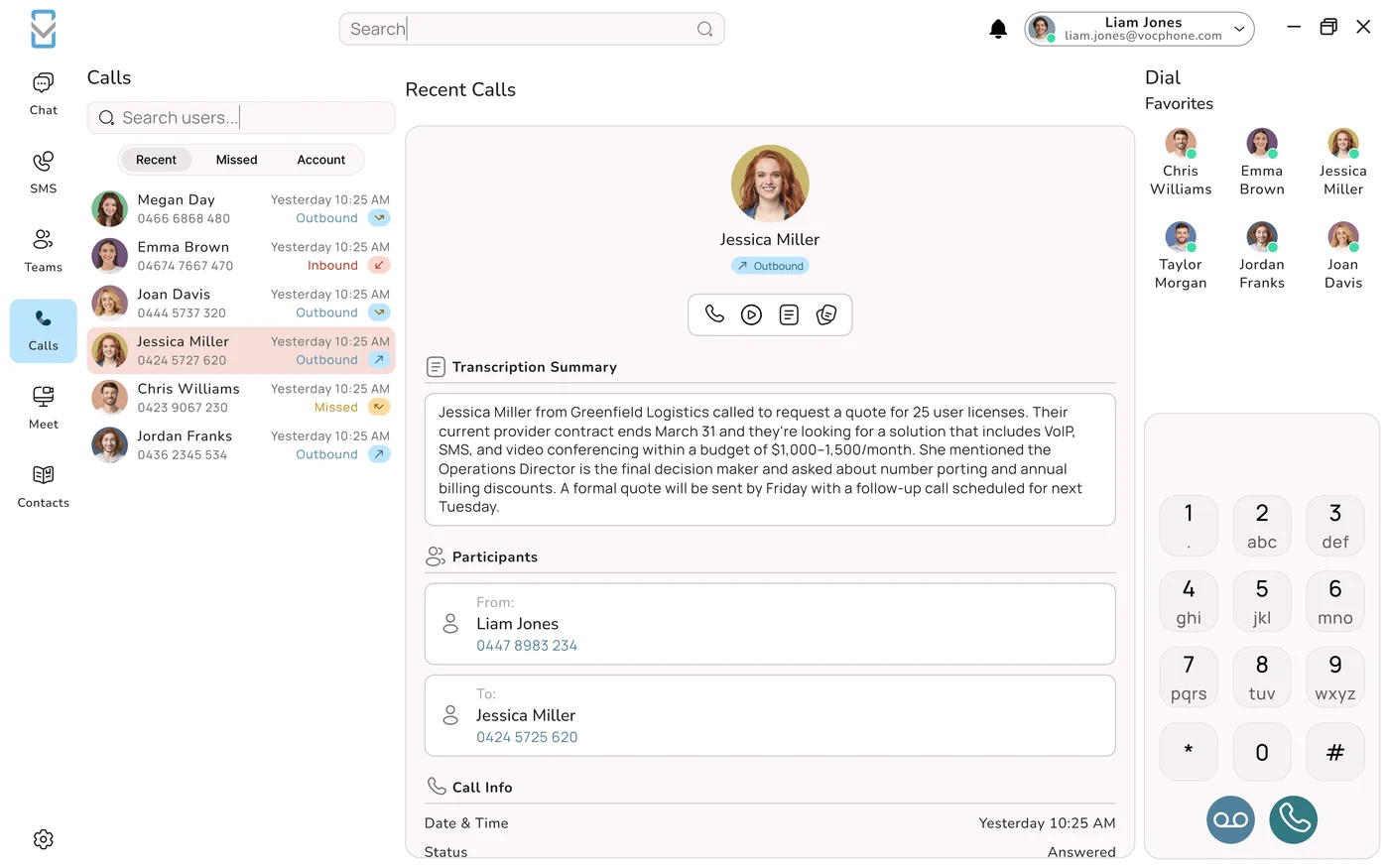
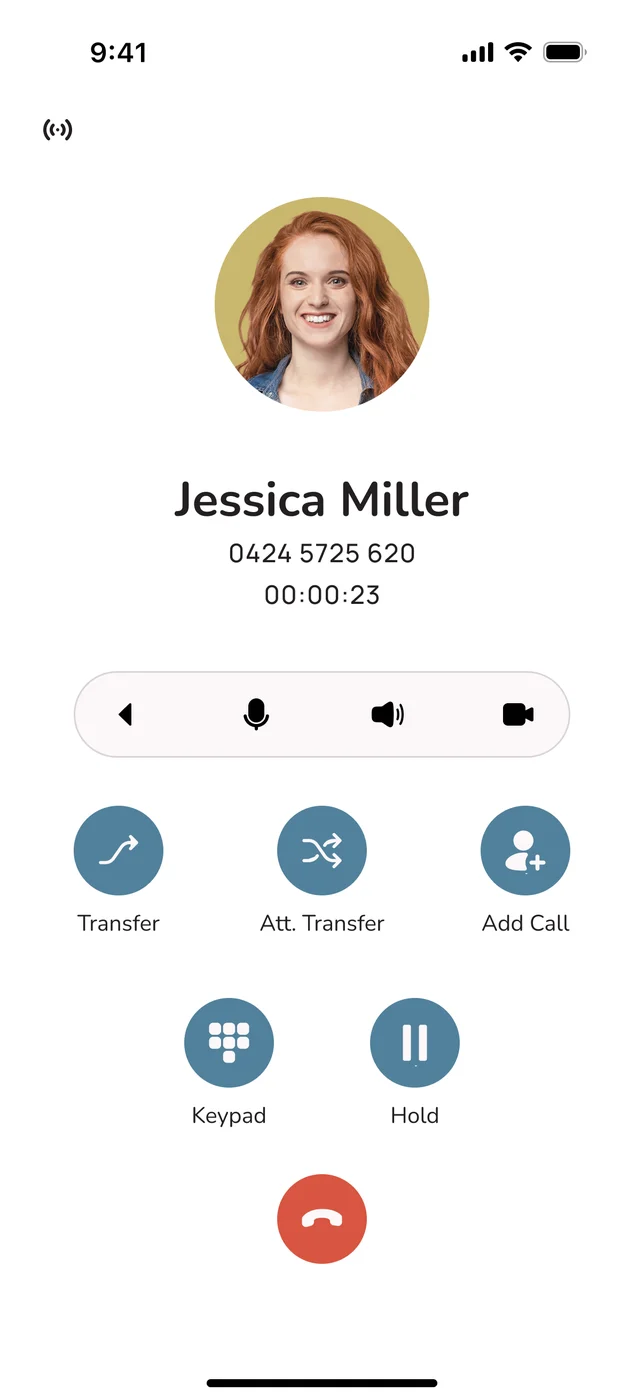
The VOCPhone apps for Windows, Mac, iOS and Android are free and included. In most businesses, a substantial share of staff stop reaching for the desk phone within a fortnight of installing the app, because the app is on the machine they are already looking at or in the pocket they already carry.
| Role | Handset or app? | Why |
|---|---|---|
| Reception, front desk | ✓ Handset | Constant transfers, needs to see who is free at a glance. Physical keys beat a mouse every time |
| Accounts, service desk, dispatch | ✓ Handset | High volume, seated, on the phone for hours. A handset and a proper headset is the right tool |
| Workshop, warehouse, clinic floor | Cordless handset | Needs to answer the business line while walking, without carrying a personal phone |
| Field staff, trades, reps | App | They are not at a desk. A handset would be a decoration |
| Hybrid and office staff | App | Two locations, one login. A desk phone only works in one of them |
| Management | App | Rarely at the desk, and takes few enough calls that the app is genuinely better |
The recommended sequence
Roll the apps out to everyone in the first week. Watch for a fortnight. Then buy handsets only for the roles that visibly want one. You will buy fewer than any quote assumed, the deployment above will take an afternoon rather than a day, and the money saved is real rather than negotiated.
If you want the wider view of what else joins up to a phone system, everything that connects to VOCPhone covers the full inventory, and why the network and the platform belong together explains what happens when a deployment does not go to plan.
Frequently Asked Questions
What does zero-touch provisioning actually do?
It removes handset configuration from the deployment entirely. A phone is associated with an extension once, by its MAC address, in the portal - and after that, nobody ever configures the device. When it is plugged into a PoE switch port it draws power over the Ethernet cable, requests an IP address by DHCP, discovers its provisioning server using SIP PnP, DHCP option 66, TR-069 or a pre-loaded static URL depending on what the network offers, downloads a configuration file generated specifically for that handset over HTTPS, applies the SIP account, display name, key layout, time zone and directory, registers to the platform, syncs its clock and shows dial tone. The whole sequence takes around ninety seconds, most of which is the boot. Nobody types a SIP username, password, server address or port, which is a security benefit as much as a time saving: a credential nobody types is a credential nobody can lose, share, email or leave written under a keyboard. The state that matters lives in the portal, not the device.
How does a desk phone find its configuration?
It has four independent methods and tries them in priority order until one answers, which is where the resilience in plug-and-play comes from. SIP PnP is highest priority: the phone multicasts a request on the local network and a provisioning service on the same segment replies with a URL. DHCP option 66 is the one that usually fires in a managed office network, where the DHCP server hands out the provisioning URL alongside the IP address; option 43 and custom options work the same way. TR-069 is a remote management protocol that lets a platform reach and configure a device across the internet, typically used in managed deployments and remote sites. And a static provisioning URL, lowest priority, can be pre-loaded into the handset before it ships - which is exactly why a pre-configured phone can be posted to somebody's house and simply work on their own router. Four routes home means a handset will provision on almost any sanely configured network, and on an unusual one there are alternatives to try before anybody touches a keypad.
What do I need on my network for plug-and-play handsets to work?
Four things, none exotic. Power over Ethernet, or a power adapter for each phone - and when checking PoE, look at the switch's total wattage budget across all connected devices rather than just whether the ports support it, because an exhausted budget presents as phones that simply do not turn on. DHCP serving whichever network the phones land on, which sounds obvious but is a common oversight when a separate voice VLAN has been created and DHCP was never extended to it. Outbound HTTPS access so the handset can download its configuration file, which is rarely blocked in small business but frequently restricted in schools and government. And SIP ALG turned off on the router, because these so-called SIP helper features rewrite packets and cause far more problems than they solve - that one setting is behind more voice faults than anything else. Above about twenty desks, a voice VLAN with QoS is worth adding; most business switches support LLDP so the phones find it themselves.
How long does it take to deploy business phones?
Much less than most people expect, assuming handsets associated with your account before shipping and a network with PoE and DHCP. A single handset takes under five minutes: unbox, clip on the stand, plug the Ethernet cable into a PoE port and wait for it to boot and provision. Five to ten desks takes under an hour with one person and no technician, because the configuration happens by itself while you move to the next desk - the work is unboxing and routing cables. Forty or more handsets on one site is around half a day and is almost entirely cabling; it is worth checking the switch's PoE budget first and worth putting voice on its own VLAN at that scale. Remote workers and multi-site deployments take exactly as long as the post, because a pre-associated handset can be sent to any address and plugged into whatever router is there. That last case is the scenario zero-touch exists for, and it is where it saves the most.
Why is my new desk phone not working?
Almost certainly one of five things, and the symptoms tell them apart. If it is completely dead with no screen and no lights, the port is not PoE or the switch's PoE budget is exhausted - try another port, or test with a power adapter to confirm the handset itself is fine. If it boots but shows no IP address, there is no DHCP on that VLAN or the port is on the wrong VLAN; the handset's status menu will show what it thinks it has. If it has an IP address but no extension, which is the most common case by a wide margin, the MAC address was never recorded against an extension in the portal - add it and factory reset the phone, which takes two minutes. If it shows the wrong person's name, the handset was previously provisioned to another extension, so re-point the MAC and reset. And if it registers then drops repeatedly, that is a network condition rather than a handset fault, usually SIP ALG on the router or an aggressive NAT timeout - disable SIP ALG first.
Can I post a desk phone to someone working from home?
Yes, and it is one of the strongest arguments for the model. A handset with a pre-loaded provisioning URL can be sent to any address, plugged into whatever router is already there, and it will provision over that internet connection and come up on the right extension with the business number. No technician attends, nobody needs remote access to a home network, and the person receiving it does nothing but plug in one cable. The same approach covers branch offices, where ten handsets go in a box and whoever is on site unpacks them, and interstate hires, where someone starting in Perth on Monday receives a handset on Friday that works on Monday morning for a business based in Brisbane. It also enables a dormant failover site, with phones already provisioned and waiting to be plugged in on the day the main office is unavailable. The underlying reason all of this works is that the configuration is not in the building - it lives in the cloud and follows the MAC address.
How many desk phones does my business actually need?
Fewer than you will be quoted, and this decision moves more money than anything else in a phone deployment. The apps for Windows, Mac, iOS and Android are free and included, and in most businesses a substantial share of staff stop reaching for the desk phone within a fortnight of installing the app, because the app is on the machine they are already looking at or in the pocket they already carry. Buy handsets for reception and front desk, where constant transfers and seeing who is free at a glance make physical keys genuinely faster; for accounts, service desks and dispatch, where people are seated and on calls for hours; and cordless handsets for workshops, warehouses and clinic floors where somebody must answer the business line while walking without carrying a personal phone. Use the app for field staff, trades, reps, hybrid workers, office staff with two locations, and management. The recommended sequence is to roll the apps out to everyone in week one, watch for a fortnight, then buy only for the roles that visibly want one.