

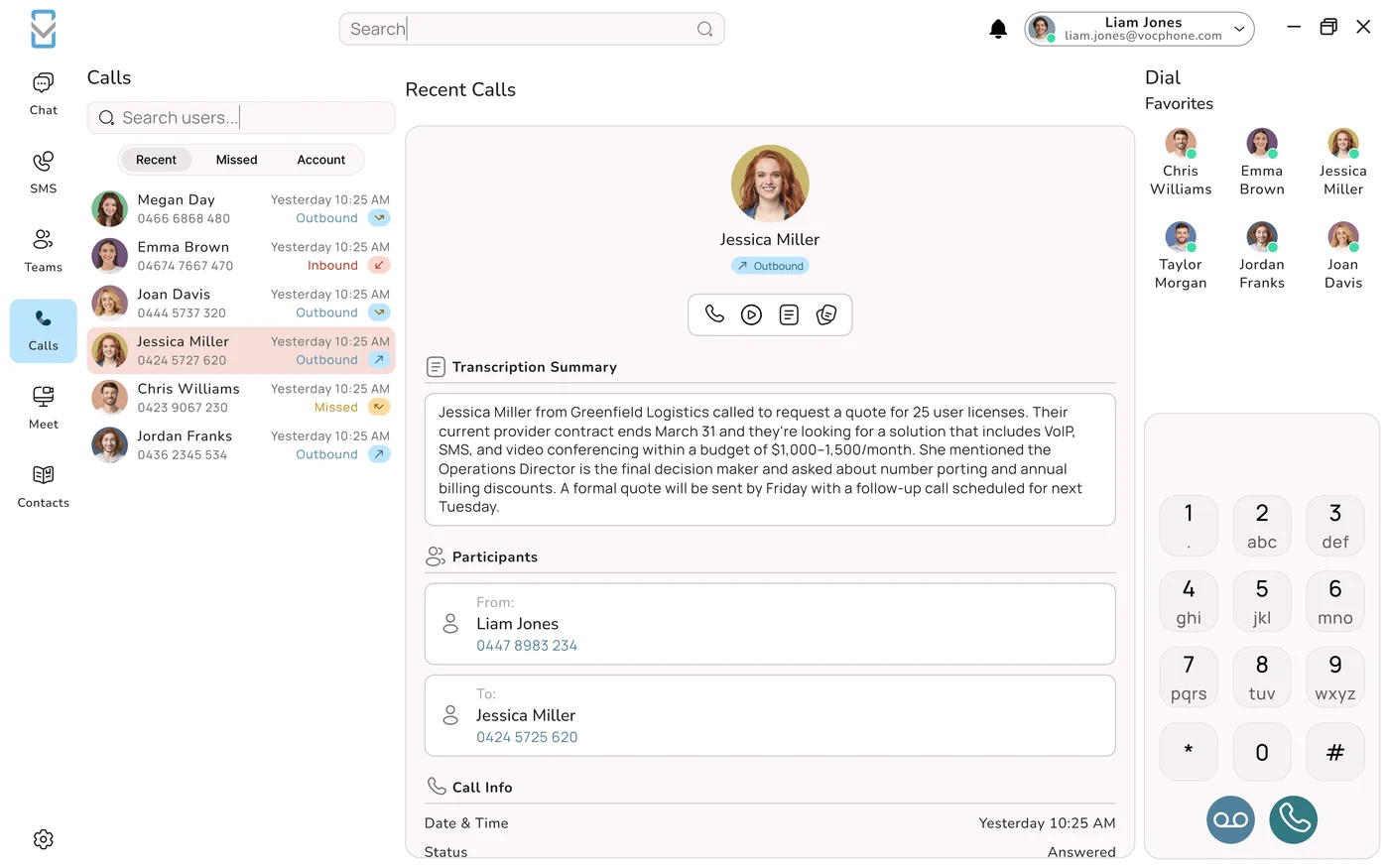










Why the Copper Era Ended
For generations, an Australian business phone meant a copper pair running from the street into a socket on the wall. The Public Switched Telephone Network (PSTN) carried the single lines, and ISDN carried the multi-line services that fed office switchboards and on-premise PBX cabinets. As the National Broadband Network was rolled out, that copper voice network was progressively decommissioned, and across most of the country the traditional service has now been switched off entirely.
The consequence is blunt: the old phone line you used to plug into is no longer there. If your business is still hanging on to legacy copper or an ISDN-fed PBX, that service has either stopped already or is running on borrowed time. This is not a sales pitch; it is the structural reason Australian businesses have spent the last few years moving their phones into the cloud.
What replaces copper is internet-delivered voice. Instead of a dedicated line for phone calls, your calls now travel as data across the same internet connection that carries your email, your accounting software and your website. For most businesses, that connection is an NBN service. So the useful question is no longer "which phone line do I have?" but "what internet do I have, and what phone system runs over it?"
Still on copper or ISDN?
Do not wait for the line to simply go dead. Once your area's copper voice service is retired, an unmigrated system can leave you with no phones at all. The direct fix is a cloud phone that runs over your NBN connection, and it can be switched on while your existing service is still live, so there is no gap. VOCPhone keeps your old service running until your numbers have finished porting across.
0
copper lines needed, calls ride the internet
~100
kbps of bandwidth per simultaneous call
99.99%
network uptime VOCPhone is built for
15+
years running our own Australian network
What Actually Carries Your Calls Now
The single most useful thing to grasp is this: a cloud phone system runs over the top of your NBN connection. It is not a phone line, and it is not something the NBN itself provides. The NBN hands you an internet connection. A cloud phone provider gives you a phone system that uses that connection to carry calls.
The technology, without the jargon
Cloud calling uses VoIP, or Voice over Internet Protocol. When you speak, your voice is chopped into small digital packets, sent across your internet connection to the provider's servers, and reassembled for the person on the other end. Their voice returns the same way. Everything that makes it a "phone system", the numbers, extensions, call routing, voicemail, menus and AI Phone Agents, lives in secure data centres rather than in a box bolted to your wall. You simply connect to it over the internet.
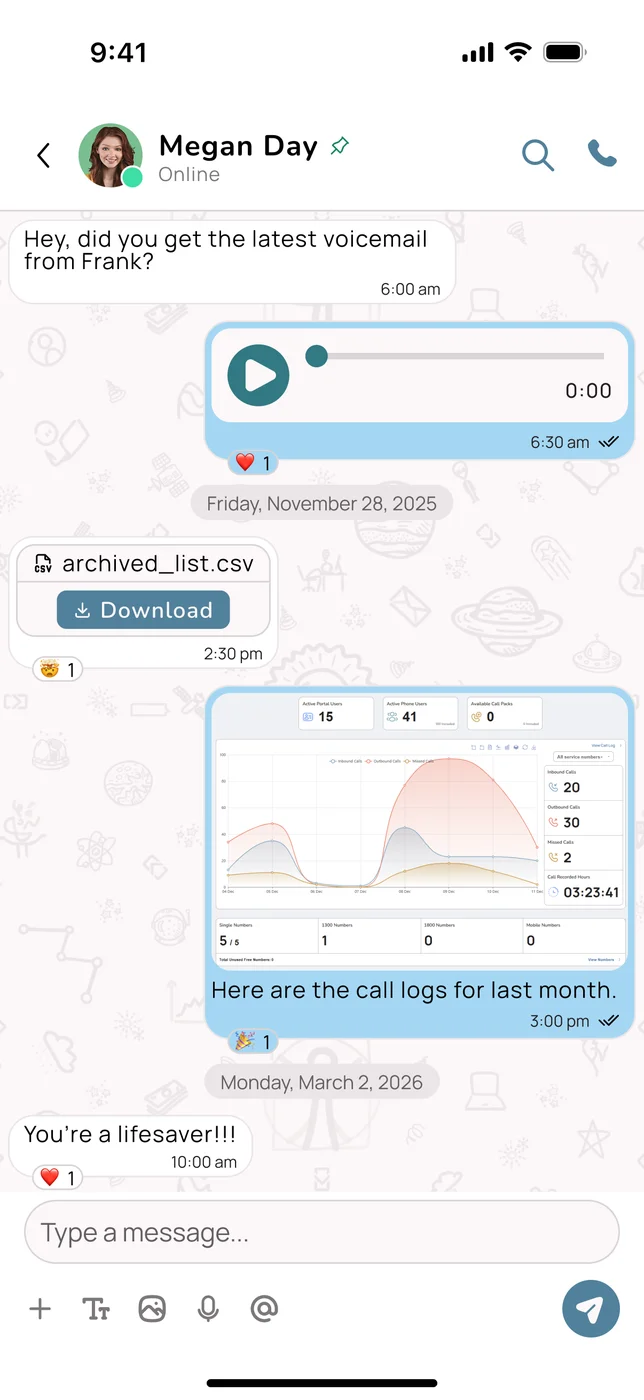
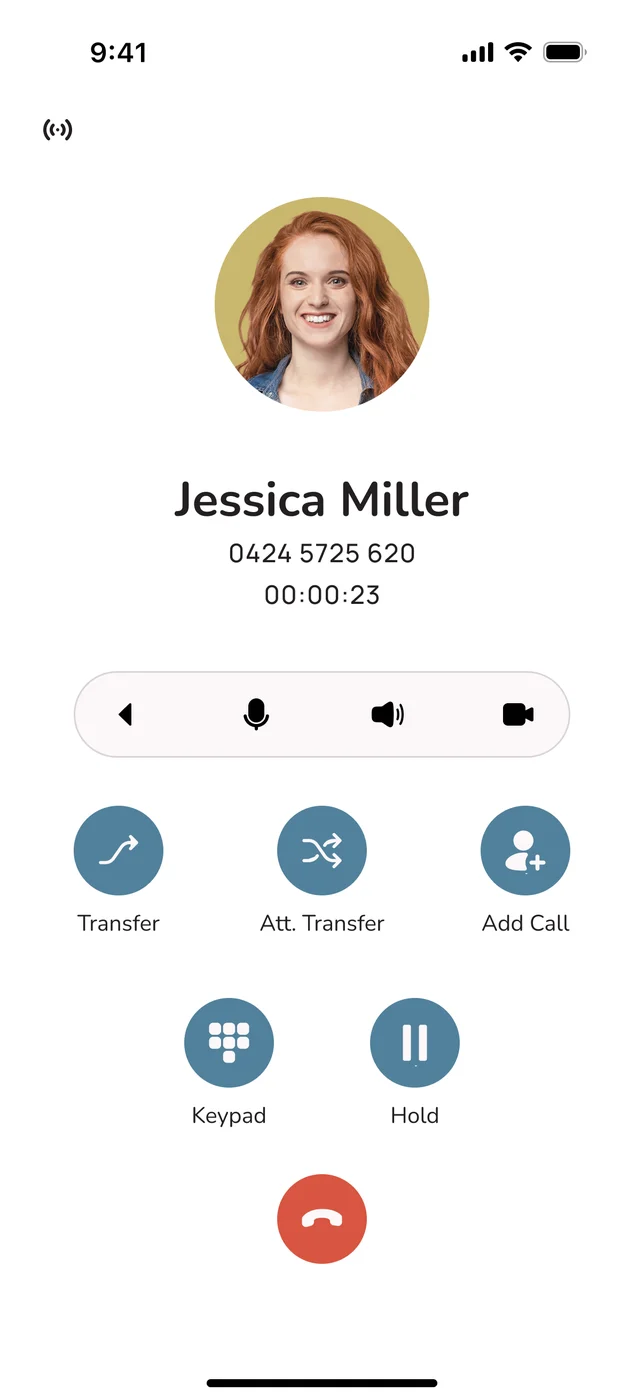
Because the intelligence sits in the cloud, the device barely matters. Staff can make and take business calls from a softphone app on a mobile, a desktop app on a laptop, an IP desk handset, or all three at once. Each one dials back into the same cloud platform over whatever connection it happens to be on, the office NBN, home broadband, or a phone's mobile data. VOCPhone is app-first for exactly this reason: the phone is wherever your people are.
The mental model that makes it click
The NBN is the road. Your phone system is the vehicle. The NBN delivers an internet connection to your premises; VOCPhone is the phone system that drives over it. That separation is precisely why cloud voice is so flexible: change your plan, move offices, or fail over to 4G, and the phone system keeps working, because it was never welded to a particular line to begin with.
What you actually need on-site
The on-premises checklist is refreshingly short. You need an active NBN (or other internet) connection, an NBN connection box with a suitable modem or router, and something to make calls on, which can be the laptops and mobiles your team already carries. There is no PBX cabinet, no rack of line cards, and no proprietary hardware to buy or maintain. Adding a new user is a setting in a web portal, not a cabling job and a site visit.
Line and Phone From One Provider
Here is where the modern approach quietly beats the old one. Traditionally a business bought its internet from one company and its phones from another, then spent the fault on hold between the two while each blamed the other. VOCPhone removes that entire dance, because VOCPhone sells NBN plans as well as the phone system.
Take the connection and the calls from the one Australian provider and you get a single bill, a single Australian-based support team, and a single point of accountability when something needs fixing. There is no "call your internet provider, it's not us" runaround, because it is us for both. Just as importantly, VOCPhone owns and operates its own network rather than reselling somebody else's, so the quality of your calls is something we control end to end, not a variable we hope a wholesaler gets right.
Why one provider is more than a convenience
When the internet and the phone system share an owner, the connection can be sized and tuned for voice from the very first day, failover can be built in as standard, and a single team can see the whole picture during a fault. For a busy business, "who do I even call?" is answered before it is ever asked. Explore VOCPhone NBN plans to bundle the line with your phone system.
Which NBN Connection You Have (and Why It Barely Matters for Voice)
NBN connections are not all the same. The network reaches premises through several different technologies depending on location, and there are business-grade tiers above the standard residential-style plans. The reassuring news is that every one of them can carry business calls, because voice asks so little of a connection. What varies between them is speed, upload capacity, latency and reliability, which matter more for heavy call volumes and for everything else your business does online at the same time.
FTTP: Fibre to the Premises
Fibre runs the whole way into your building. The fastest and most reliable option, with strong upload and low latency. Ideal for busy offices and high call volumes.
FTTC: Fibre to the Curb
Fibre to a pit near your property, then a short copper run indoors. Fast and low-latency for typical business call loads, with consistent performance.
FTTN: Fibre to the Node
Fibre to a street cabinet, then copper to the premises. Handles voice comfortably, though speed and quality vary with distance from the node.
HFC: Hybrid Fibre Coaxial
Uses the existing pay-TV coaxial network. Delivers solid speeds and carries business voice comfortably in most areas.
Fixed Wireless
A radio link to a nearby NBN tower, common in regional Australia. Carries voice well, but has higher latency and can be weather-affected, so add mobile failover.
Business Fibre / Enterprise Ethernet
Premium fibre with symmetric speeds, priority traffic and stronger service levels. The gold standard for larger teams and mission-critical voice.
When a business-grade connection is worth it
Standard NBN plans are shared, best-effort services built for general use. Business fibre and enterprise ethernet add the things a busy phone system appreciates: symmetric or high upload, prioritised traffic, tighter service-level agreements and faster fault resolution. If you run a high volume of simultaneous calls, or your phones are genuinely mission-critical, a business-grade connection earns its keep. For most small and medium businesses, though, a good standard NBN plan carries voice perfectly well, because the amount of bandwidth voice consumes is tiny.
Choose your connection for your business, not your phones
Because VOCPhone runs over whatever connection you have, you are free to pick your NBN technology and plan on the basis of your overall needs, not your phone system. On FTTN today? It works. Upgrading to FTTP or business fibre later? Your phone system carries across untouched. You are never locked into a connection type by your phones.
The Bandwidth Question, Answered
This is where businesses most often talk themselves into an expensive connection they do not need. The assumption is that carrying phone calls over the internet must demand a huge pipe. In reality, voice is one of the lightest things you can put on a network.
The numbers that actually apply
A single high-quality call typically uses between 85 and 100 kbps in each direction with common codecs, and efficient codecs use even less. That is kilobits, not megabits. To picture it:
- 1 call: roughly 0.1 Mbps up and down.
- 5 calls: roughly 0.5 Mbps up and down.
- 10 calls: roughly 1 Mbps up and down.
- 20 calls: roughly 2 Mbps up and down.
Almost any NBN plan swallows that without blinking. The catch is that calls run alongside everything else, video meetings, cloud apps, backups and general browsing, so you want enough headroom that voice never gets squeezed. Allow around 100 kbps per simultaneous call and make sure your connection has capacity to spare on top of a normal working day.
Why quality beats speed: latency, jitter and packet loss
For voice, the quality of a connection matters far more than its headline speed. Three measures decide how a call sounds:
- Latency is the delay between speaking and being heard. Keep it low, ideally under about 150 ms one way, and conversation feels natural. High latency causes talk-over and awkward gaps.
- Jitter is variation in when packets arrive. High jitter makes audio choppy or robotic; a stable connection keeps it low.
- Packet loss is data that never turns up. Even a few per cent causes dropouts and words vanishing mid-sentence.
This is one reason it helps that VOCPhone owns its own Australian network and hosts onshore. When voice data has to hop offshore and back, every packet picks up extra latency and quality suffers. Keeping the traffic on our own network inside Australia keeps latency low and calls crisp, and gives our support team real visibility when something needs adjusting.
Watch the upload figure, not the download
Most NBN plans are asymmetric: download is much faster than upload. Since a call sends data both ways, your upload speed is usually what limits how many simultaneous calls a connection can carry cleanly. When you assess a connection for voice, look at the upload number, not just the big download figure on the ad. If upload is tight, a business-grade or symmetric plan, or a router that prioritises voice traffic, makes a real difference.
Keeping Your Number When You Move
The biggest worry businesses have about leaving copper is losing the number their customers, suppliers and Google listing all know. You will not lose it. Moving to a cloud phone system does not mean a new number.
What porting is
Porting is the transfer of your existing number from the old service to your new cloud provider. Once it completes, your number simply lives on the new platform and customers keep dialling exactly what they always have. Local landline numbers, 1300 and 1800 inbound numbers and most standard business numbers can all be ported.
How to switch without a single missed call
The trick is timing. A well-run provider keeps your old service live until the port completes, so there is never a window where your number goes dark. You get set up on the new platform, test it, and only when everything is ready does the number swing across. Done properly, customers notice nothing; calls just keep arriving, and your team is already working on the new system.
Porting with VOCPhone
VOCPhone handles the paperwork with your existing carrier and manages the port for you, and number portability is a standard part of the move, so you keep the numbers your business is known by. Your old service stays active until the transfer finishes, which means no downtime and no missed calls. Want a new inbound number as well? See our guide to getting a 1300 or 1800 number in Australia.
Staying Reachable When the NBN or Power Drops
Let us be honest about the trade-off. On the copper network, the phone drew its power from the exchange, so a basic landline often kept working through a local blackout. A cloud phone is different: it needs both power and internet at your premises to run your on-site devices. That sounds like a backward step, yet in practice a well-designed cloud setup is more resilient than copper ever was, because the calls themselves live in the cloud and can be redirected in an instant.
Why the cloud is resilient by design
The phone system, your numbers, routing and voicemail, sits in redundant, professionally run data centres, not on your premises. A local hardware fault, a flooded office or a tripped power board cannot take the system offline, because the system was never in your building. That is the opposite of an on-premise PBX, where one failed box or a cut cable silences every phone at once. With the system in the cloud, the only things you manage locally are your connection and your power, and both can be backed up.
Three layers of failover
App failover
The strongest safety net. Because your number lives in the cloud, calls can ring the VOCPhone apps on staff phones over 4G/5G. If the office connection drops, calls simply keep arriving on mobiles, with no action needed.
UPS for power
An uninterruptible power supply keeps your modem, router and NBN box alive through short power interruptions, so a brief outage never drops your on-site phones or internet.
4G/5G internet backup
A router with a mobile backup connection switches automatically to 4G/5G if the NBN fails, keeping your desk phones and internet online through a fixed-line fault.
Stack these together and you have resilience copper could never match. A short blackout? The UPS rides it out. An NBN fault? The router fails over to 4G/5G, or calls divert to mobile apps. A whole-site problem? Calls automatically route to staff mobiles, another location, or an AI Phone Agent that keeps answering. The job of the system is to make sure a customer's call always lands somewhere useful.
"Knowing our phones always connect customers with the right person has streamlined how we look after people. Features that used to be reserved for big companies, at a price a small business can actually afford, plus the mobile app that keeps me connected when I'm out of the office, have made a real difference."
Marie-Claire, Owner, Coco's Wealth of Health
Three Outage Scenarios, Walked Through
Because this is the question businesses ask most, it is worth walking through exactly what happens, and how you stay reachable, in each case.
Scenario one: the power goes out at your office
With no power, your modem, router and NBN box stop, so your desk devices lose internet. Your business number, however, is untouched in the cloud. With app failover configured, incoming calls simply ring the VOCPhone apps on staff mobiles over their phones' mobile data, and you keep answering. Add a UPS and even your on-site gear can keep running through a short outage. Either way, customers still reach you.
Scenario two: the NBN drops but you still have power
If the NBN itself has a fault, a router with 4G/5G backup switches automatically to mobile broadband, and your desk phones and internet carry on. Even without that hardware, calls can be set to divert to mobile apps, to another office, or to voicemail-to-email, so nothing is lost. Because the phone system lives in the cloud, an NBN fault at your building never touches the system, only your local link to it.
Scenario three: everything is down at your premises
Even in a total local failure, flood, fire, an extended blackout, the cloud phone system keeps running everywhere else. Calls route to staff mobiles wherever they are, to a backup site, or to an AI Phone Agent that answers in a natural Australian voice, takes messages and books appointments until you are back. Your customers experience a business that is still open, not a dead line.
Your outage-ready checklist
1. Turn on app failover so calls ring staff phones automatically.
2. Add a UPS to keep your modem and router alive through short power cuts.
3. Consider a router with 4G/5G backup for internet redundancy.
4. Set failover routing (mobile, second site, or an AI Phone Agent) and voicemail-to-email.
5. Test it. Your VOCPhone account manager can set this up and confirm it works.
Copper vs Basic NBN VoIP vs VOCPhone
The clearest way to place a modern NBN business phone is to line it up against the copper it replaces and against a bare-bones VoIP service. The table compares the retired copper line, a basic NBN VoIP service, and a full cloud platform, using VOCPhone as the example.
| Capability | Old Copper Line | Basic NBN VoIP | VOCPhone |
|---|---|---|---|
| Still available in 2026 | ✗ Switched off | ✓ | ✓ |
| Runs over any NBN type | ✗ Copper only | ✓ | ✓ FTTP/FTTC/FTTN/HFC/Wireless |
| Line + phone from one provider | ✗ | ~ Rarely | ✓ NBN plans + phone |
| Owns its own network | ~ Carrier-owned | ✗ Usually reseller | ✓ Not a reseller |
| Keep existing number | ~ If not yet cut off | ✓ Port | ✓ Port, no downtime |
| Calls follow you (apps) | ✗ Rings one desk | ~ Basic app | ✓ iOS, Android, desktop |
| App failover in an outage | ✗ | ~ Manual | ✓ Automatic |
| Scales without new lines | ✗ Per line | ~ Per channel | ✓ Add users in minutes |
| AI Phone Agents included | ✗ | ✗ | ✓ Australian-accent AI |
| Australian hosted & supported | ✓ Local | ~ Often offshore | ✓ 24/7 human support |
The pattern is plain. Copper is simply not on the menu in most areas. A basic NBN VoIP service brings your calls back but often stops at dial tone, leaving failover, apps and support for you to sort out. A full cloud platform delivers the resilience, mobility and features copper never could, which is exactly why businesses coming off the PSTN choose a cloud phone rather than a like-for-like swap. For the wider decision, see our guide to VoIP versus landline, or the full Business VoIP in Australia guide.
Getting Set Up: A Five-Step Path
Moving your phones onto the NBN sounds like a big project. With a provider that owns its network and does the heavy lifting, it is a guided, low-risk process. Here is the actual path from where you are today to your first call on the new system.
-
Check your connection
Confirm what NBN technology and plan you have, and in particular your upload speed. Any reasonable connection carries voice, but a quick check lets us plan failover for connections like Fixed Wireless. If your connection is not up to the job, VOCPhone can supply an NBN plan to go with the phone system.
-
Choose your plan and seats
Pick a per-user plan and decide how many seats you need. Pricing is transparent and per-user, so you can start small and scale later. Your account manager maps your current extensions, departments and call flows onto the new platform. See VOCPhone pricing.
-
Port your existing numbers
Keep your business numbers, including any 1300 or 1800. VOCPhone manages the port and keeps your old service live until it completes, so there is zero downtime and customers never notice the switch.
-
Install the apps and connect devices
Download the iOS, Android and desktop (Windows and Mac) apps so staff can start calling straight away, no hardware purchase required. Prefer desk phones? Certified IP handsets connect to your network and configure themselves. Every device dials back into the same cloud system over your NBN.
-
Set up failover, then go live
Configure app failover, call routing and voicemail-to-email so you stay reachable in any outage, and add a UPS or 4G/5G backup if you want extra resilience. Your account manager sets most of this up and watches the first few weeks. Then you are live on an Australian cloud phone running over your NBN.
Frequently Asked Questions
Does a business phone system need the NBN?
What it needs is an internet connection, and for most Australian businesses that connection arrives over the NBN. Since the copper PSTN and ISDN network was switched off, the old-style phone line no longer exists to plug into. A modern business phone is a cloud service that runs on top of whatever internet you have, whether that is an NBN plan, business fibre, or a 4G/5G mobile service. VOCPhone runs over any of these, so you are never tied to a single NBN technology or even to the NBN itself. Because VOCPhone also sells NBN plans, you can get the connection and the phone system from the one provider if you want to.
How much internet speed does a business phone actually use?
Far less than most people expect. A single high-quality call uses roughly 85 to 100 kbps in each direction, so ten calls at once need only about 1 Mbps up and down. Raw speed is rarely the issue; consistency is. Low latency (ideally under 150 ms), low jitter and near-zero packet loss are what keep calls clear. Because most NBN plans give you far more download than upload, upload is usually the limiting factor, so check that figure when you size a connection. A useful rule of thumb is around 100 kbps per simultaneous call, plus comfortable headroom for everything else your team does online.
Which NBN connection type is best for business voice?
Every NBN technology can carry business calls, because voice is so light on bandwidth. Fibre to the Premises (FTTP) and business-grade fibre are the strongest, with high or symmetric upload and low, steady latency. Fibre to the Curb (FTTC), HFC and Fibre to the Node (FTTN) all handle normal call volumes well, though FTTN can vary with distance from the node. Fixed Wireless and satellite work too, but have higher latency and can be weather-affected, so pair them with a mobile failover. VOCPhone runs over all of them, and owns and operates its own network rather than reselling someone else's, which keeps call quality in our hands.
Can I keep my existing phone number when I move to an NBN phone system?
Yes. Local landline numbers, 1300 and 1800 inbound numbers, and most standard business numbers can be ported to a cloud phone system, so customers keep dialling exactly what they always have. VOCPhone manages the port for you and keeps your old service running until the transfer completes, so there is no gap and no missed calls during the switch. If you also want a new 1300 or 1800 number, that can be set up alongside the numbers you port across.
What happens to my phone in an NBN or power outage?
This is the real difference from copper, which was powered from the exchange. A cloud phone needs power and internet at your premises to run your desk devices, but the phone system itself lives in the cloud, so calls can be redirected instantly. If your NBN or power drops, VOCPhone can automatically send calls to the mobile and desktop apps your team already uses, to another site, to voicemail, or to an AI Phone Agent that keeps answering. Add a UPS for your modem and a 4G/5G backup and calls keep flowing even when the fixed line or power is down. VOCPhone runs on a network built for 99.99% uptime.
Can VOCPhone supply the internet as well as the phone system?
Yes. VOCPhone offers NBN plans, so you can get your internet connection and your cloud phone system from a single Australian provider on a single bill, with one Australian-based support team to call if anything goes wrong. That removes the classic finger-pointing between an internet company and a phone company when there is a fault, because the same provider is responsible for both. It also means the phone system can be tuned to the connection from day one.
What to Read Next
This guide covers how business phones work on the NBN. These related reads go deeper into the choices around cloud phone systems.